Payment receipts
Create payment receipts on the go
Record every payment you receive, against one invoice or several, and send your customer a receipt with your logo and signature. Paid, unpaid and partly paid invoices stay clear at a glance.


- Cash, cheque, net banking or UPI
- Partial and advance payments
- Share the receipt as PDF
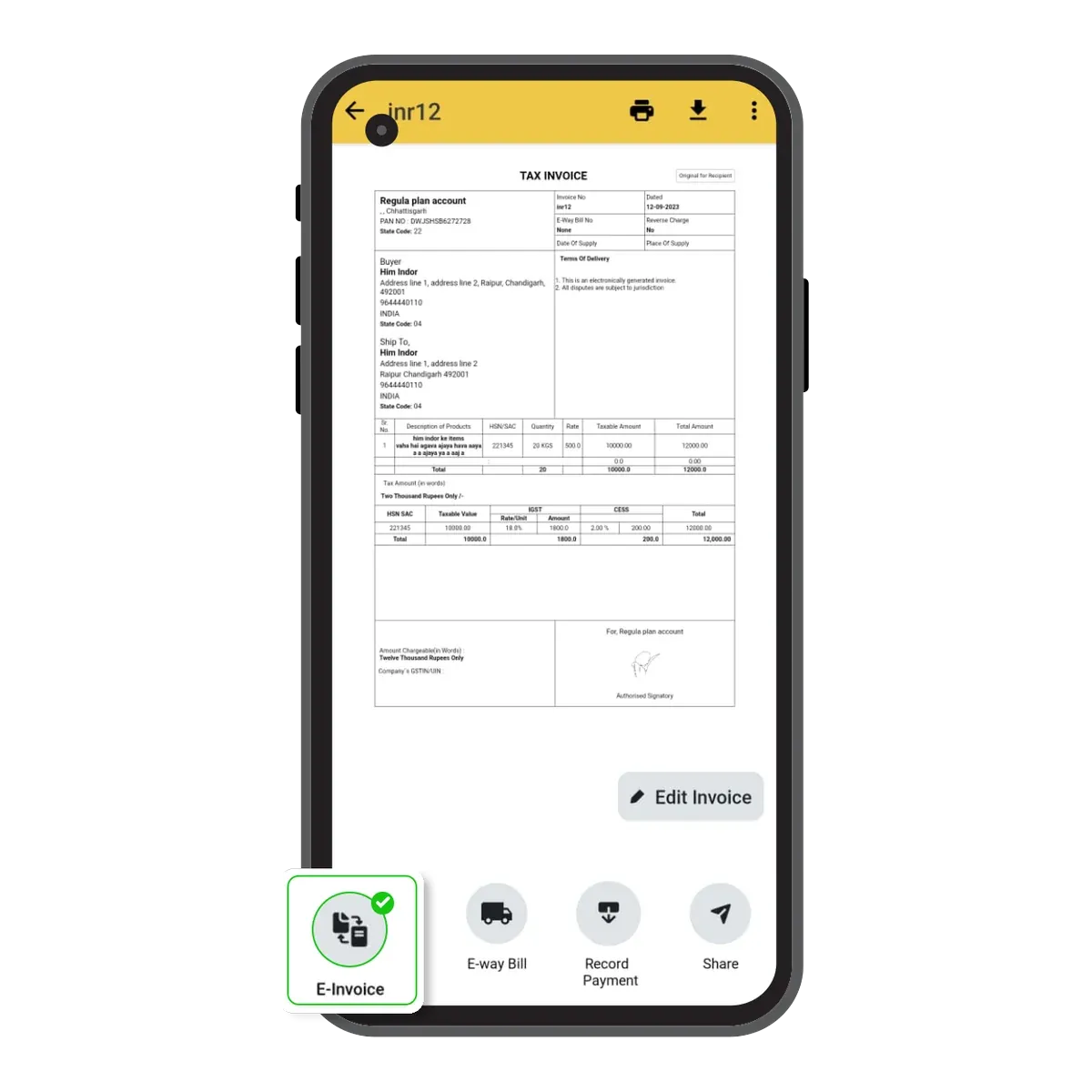
Record payments
Generate payment receipts in seconds
Tap Record Payment on an invoice, or start a payment receipt and pick the customer from your saved parties. Enter the amount and save. GimBooks numbers the receipt with your own prefix and marks the invoice paid or partly paid.
- Full or partial payments
- One payment across several invoices
- Advance payments not tied to an invoice
- Apply TDS when the customer deducts it
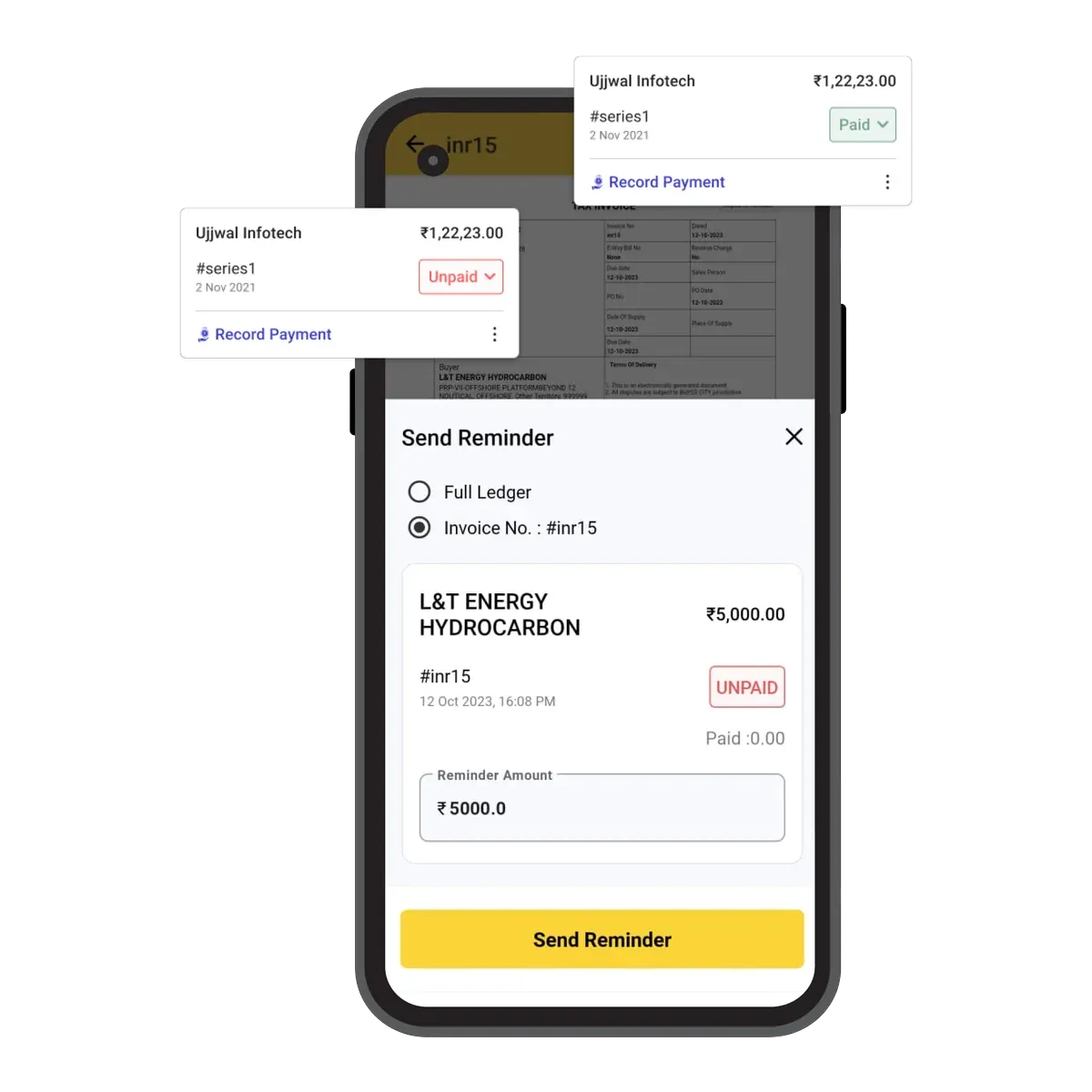
Payment modes
Cash, cheque, net banking or UPI
Record each payment in the mode it came in, or add a payment mode of your own. Put your UPI QR code and bank details on your invoices so customers can pay you directly, then record the payment when it arrives.
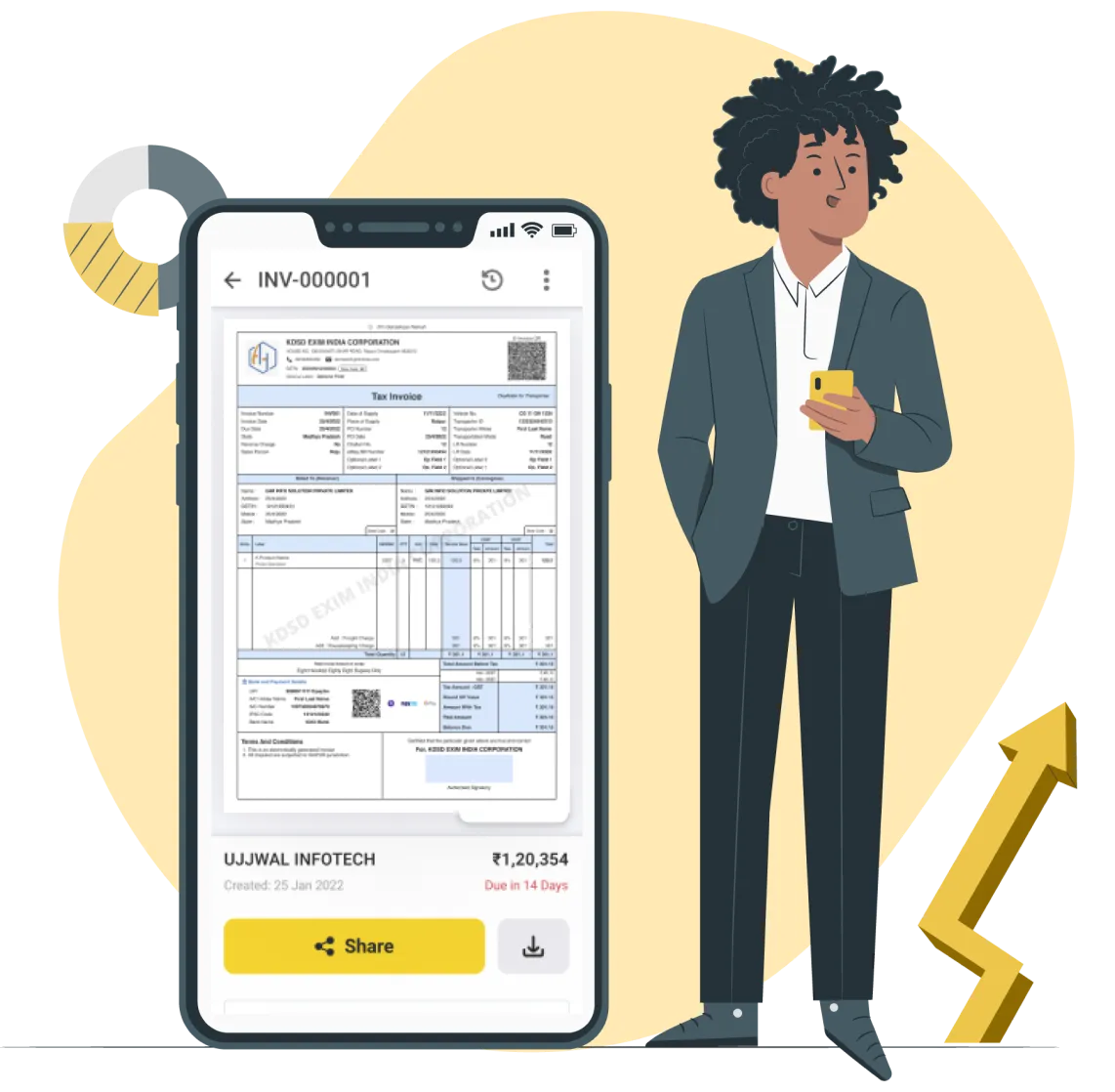
Proof of payment
It’s all about keeping the proof
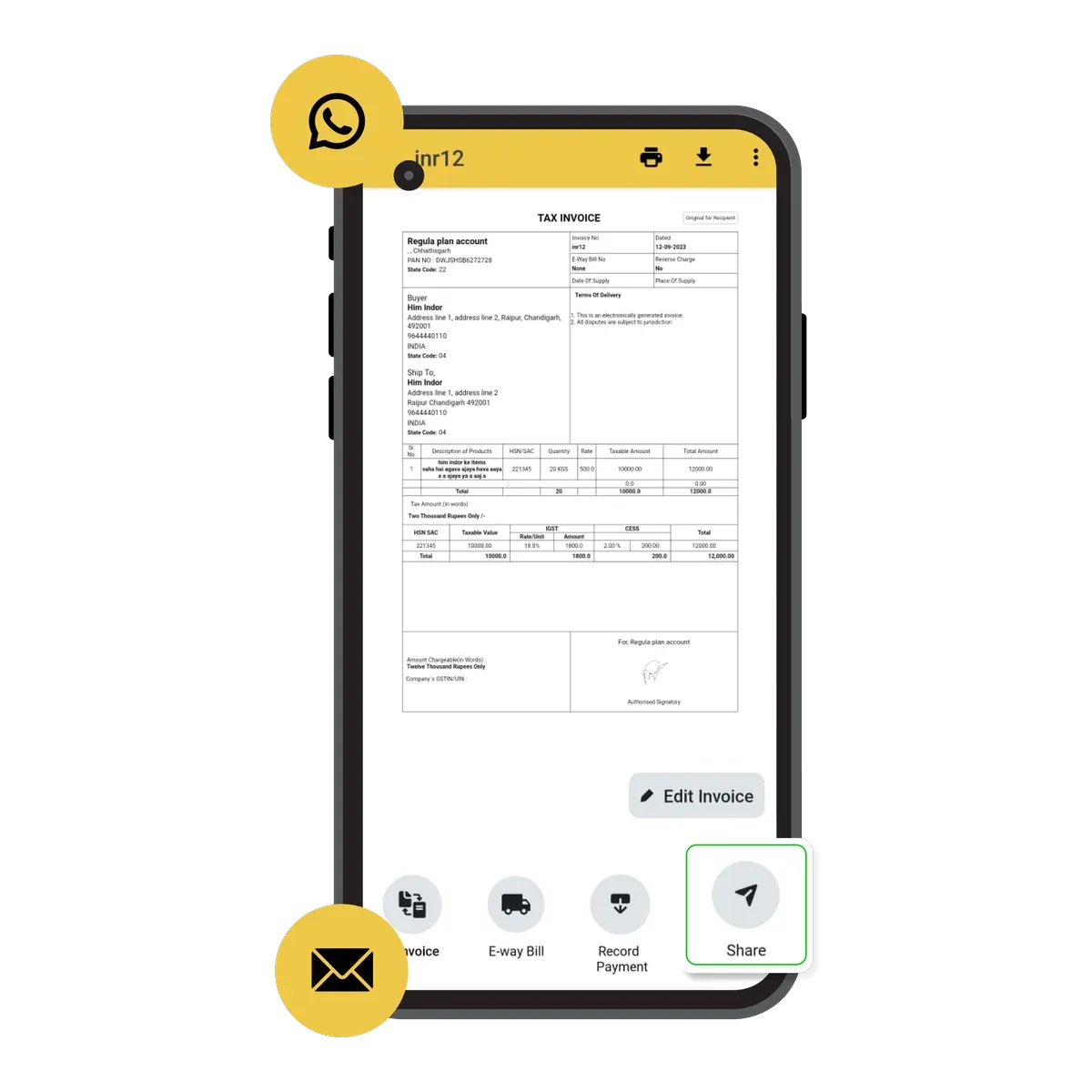
A payment receipt is proof that a payment took place. It protects you from disputes and misunderstandings with customers, so there are no more “did I pay you?” moments. Download the receipt as a PDF with your logo and signature, print it, or send it on WhatsApp or email.
Why GimBooks for payments
Get paid, and keep track of it
-
Paid or unpaid at a glance
The invoice list shows which invoices are paid, unpaid or partly paid, so you know whom to follow up with.
-
Payment reminders
Send a reminder for an unpaid invoice or the full ledger in a tap. With the automatic reminder add-on, GimBooks reminds customers on WhatsApp before, on or after the due date.
-
Payments made
Record what you pay suppliers against their purchase bills, including advances.
-
Easy to track
Every receipt has its own number and prefix, so you can always find it later.
-
Phone and computer
A payment receipt made in the app is on the web dashboard too, so you can open and share it from anywhere.
-
Secure by default
GimBooks is protected with SSL encryption, so the business details you enter stay between you and us.
How it works
How to record a payment in GimBooks
- 01
Pick the invoice or customer
Tap Record Payment on the invoice, or create a payment receipt and select the customer from your saved parties.
- 02
Enter the payment
Add the amount, the date and the payment mode, and choose the invoices it settles.
- 03
Share the receipt
Save it, then download, print or send the receipt to your customer on WhatsApp or email.
Ledgers, invoices and more
- Guide
Ledgers
See every payment in the customer’s ledger, with the opening and closing balance.
Read more - Free format
GST invoice format
Download a free, ready-to-fill GST invoice format.
Get the format - Plans
Plans and pricing
Compare plans, and add automatic payment reminders when you need them.
See pricing
FAQ
Payment receipt questions, answered
Can't find what you need? Call us or write to our support team.
What is a payment receipt?
A payment receipt is a document confirming that a payment has been made. It includes details such as the amount, the date, the payment mode and who paid whom, and it serves as proof of payment.
How do I create a payment receipt in GimBooks?
Open the invoice and tap Record Payment, or create a payment receipt and pick the customer. Enter the amount, date and payment mode, then save. You can download, print or share the receipt straight away.
Is a payment receipt the same as an invoice?
No. An invoice asks for payment, while a payment receipt confirms that a payment has been made against an invoice or for a product or service.
Can I give a customer another copy of a receipt?
Yes. Every receipt stays in GimBooks, so you can preview it, download it again or reshare it whenever a customer needs another copy.
Can I record cash and cheque payments?
Yes. Cash, cheque, net banking and UPI are built in, and you can add payment modes of your own.
Can one payment settle several invoices?
Yes. Split one payment across several unpaid invoices of the same customer, record a partial payment, or keep an advance that is not tied to any invoice yet.
Can I customise my payment receipts?
Your receipts carry your business logo, your stamp or signature, and your own receipt number prefix.
Can GimBooks send payment reminders?
Yes. Send a reminder for any unpaid invoice, or the customer’s full ledger, in a tap. The automatic payment reminder add-on sends WhatsApp reminders before, on or after the due date.
How long should I keep payment receipts?
Keep them for as long as your tax and accounting records must be kept; the period depends on the rules that apply to your business, so check with your accountant. Receipts in GimBooks stay in the cloud with instant backup.
Are digital payment receipts as valid as paper receipts?
Generally, yes. Digital receipts are widely accepted as proof of payment, as long as you keep them stored safely and backed up.
Is my payment data secure?
The GimBooks app and website are protected with SSL encryption, and your data is backed up in the cloud.
How do I get started with payment receipts in GimBooks?
Sign up on the GimBooks web dashboard or download the app from Google Play or the App Store. Every GimBooks Premium plan starts with a 7-day free trial.
Explore more GimBooks features
Every document is GST-ready and linked to the next, so nothing is typed twice.
- Invoicing GST and non-GST invoices with your logo, made in seconds and shared in a tap.
- E-invoicing Get the IRN and signed QR code for any invoice in one click.
- E-way bills Turn an invoice or challan into an e-way bill in one click.
- Inventory Stock updates itself with every sale and purchase.
- Quotations Send quotes, convert to invoices
- Proforma invoices Turn into a tax invoice in a tap
- Purchases Purchase bills, POs and vendors
- Delivery challans Original, duplicate and triplicate
- Credit notes Sales returns and corrections
- Debit notes Purchase returns and adjustments
- GSTR filing File GSTR-1 and 3B from the app
- Expenses Track spend by category
Record your next payment with GimBooks
Invoices, payment receipts and reminders in one app. Every plan starts with a 7-day free trial.