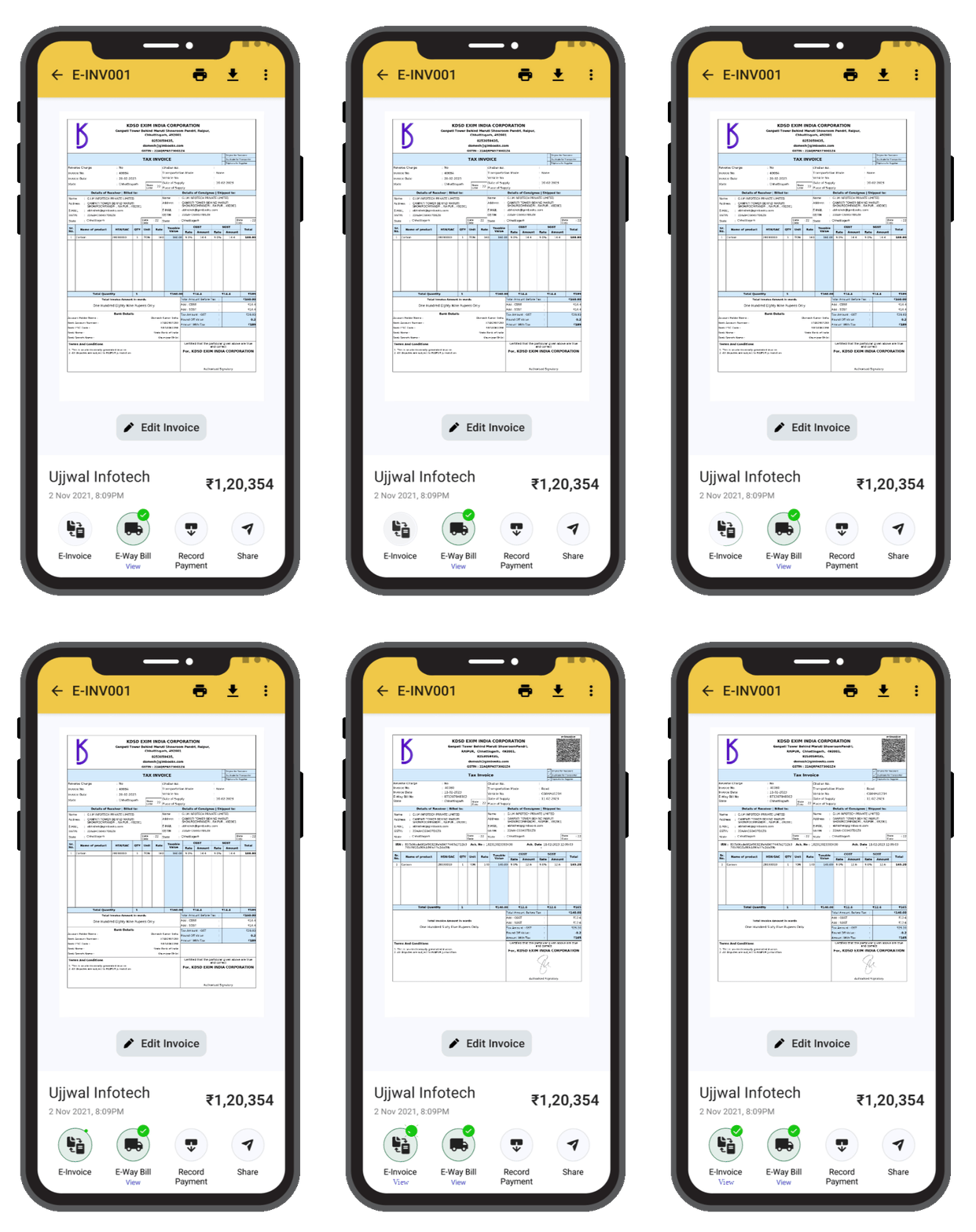
Get mandatory E-Invoicing for businesses with over ₹5 crore
turnover in just one click. Welcome to GimBooks e-invoice software
— your one-stop solution that revolutionizes the way you manage your invoices,
simplifying invoicing for increased efficiency and reduced costs.
With GimBooks invoicing processing, you can create customized e-invoices with ease. Simply input your business details, add line items, and include any necessary taxes or discounts.
Our software ensures consistency and accuracy, reducing the chances of errors and disputes. You can also save templates for recurring invoices, saving you time on repetitive tasks.
Send E-Invoices Securely and Instantly
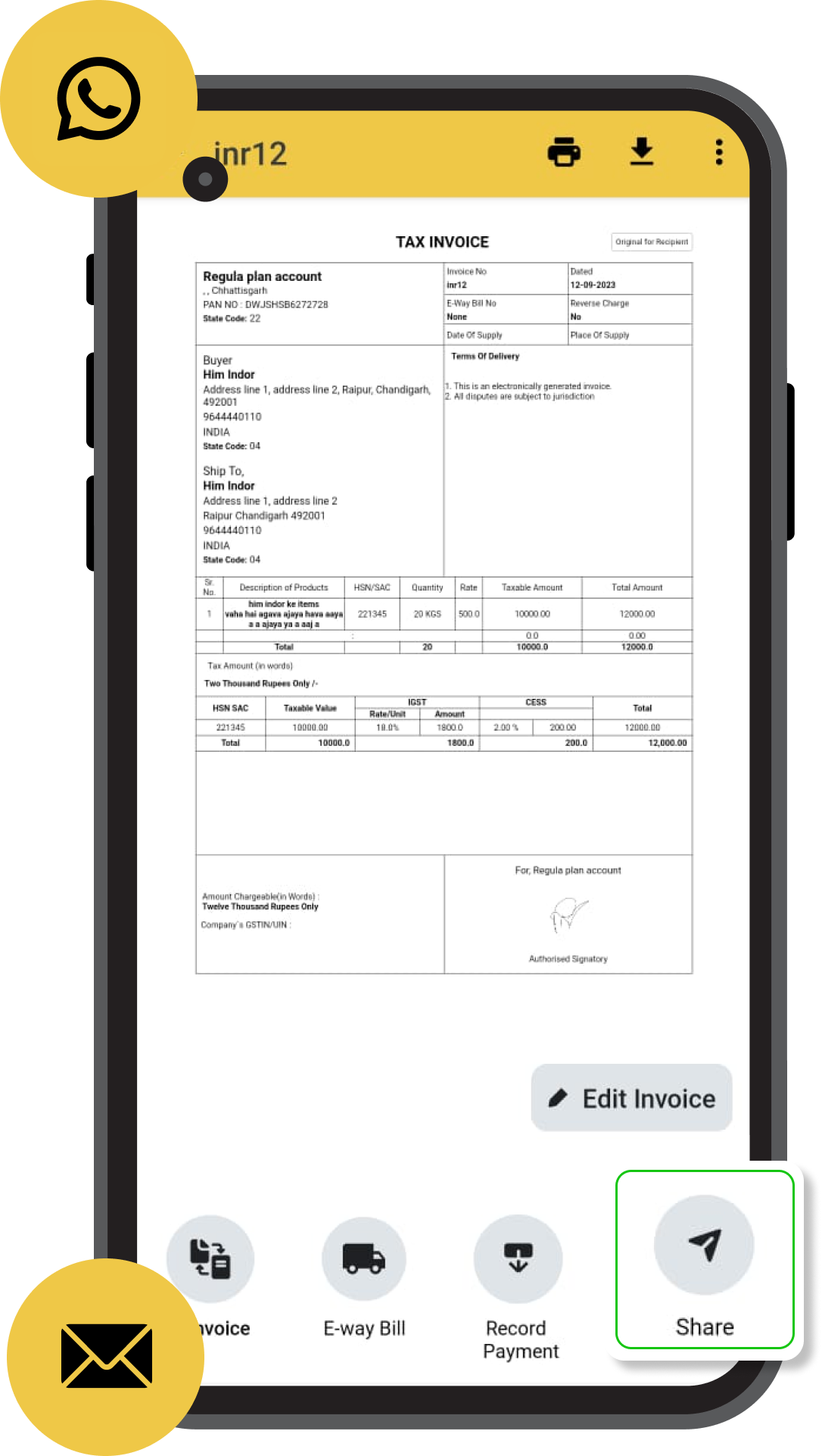
Say goodbye to delayed payments and postal mishaps. GimBooks — E-invoicing software allows users to download it directly or get it into WhatsApp.
That includes ensuring timely delivery and improving cash flow for your business. You can also track the status of your invoices, know when they are opened, and receive alerts for overdue payments.
Manage E-Invoices from Anywhere
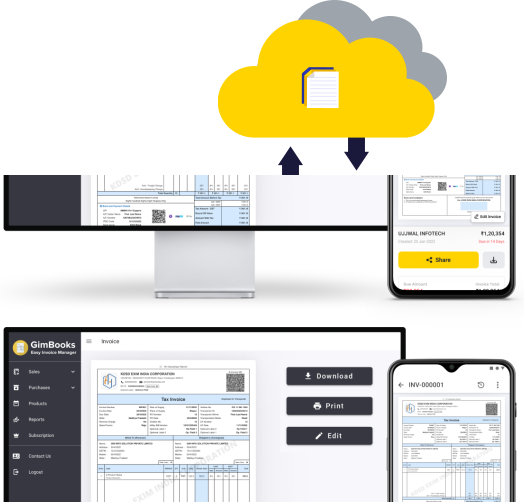
Access your e-invoicing data anytime with e-invoicing software, anywhere, with our cloud-based software.
Whether you're in the office or on the go, GimBooks ensures seamless invoice management and real-time tracking. You can sync your data across devices and collaborate with your team members effortlessly.
Monitor Outstanding Payments
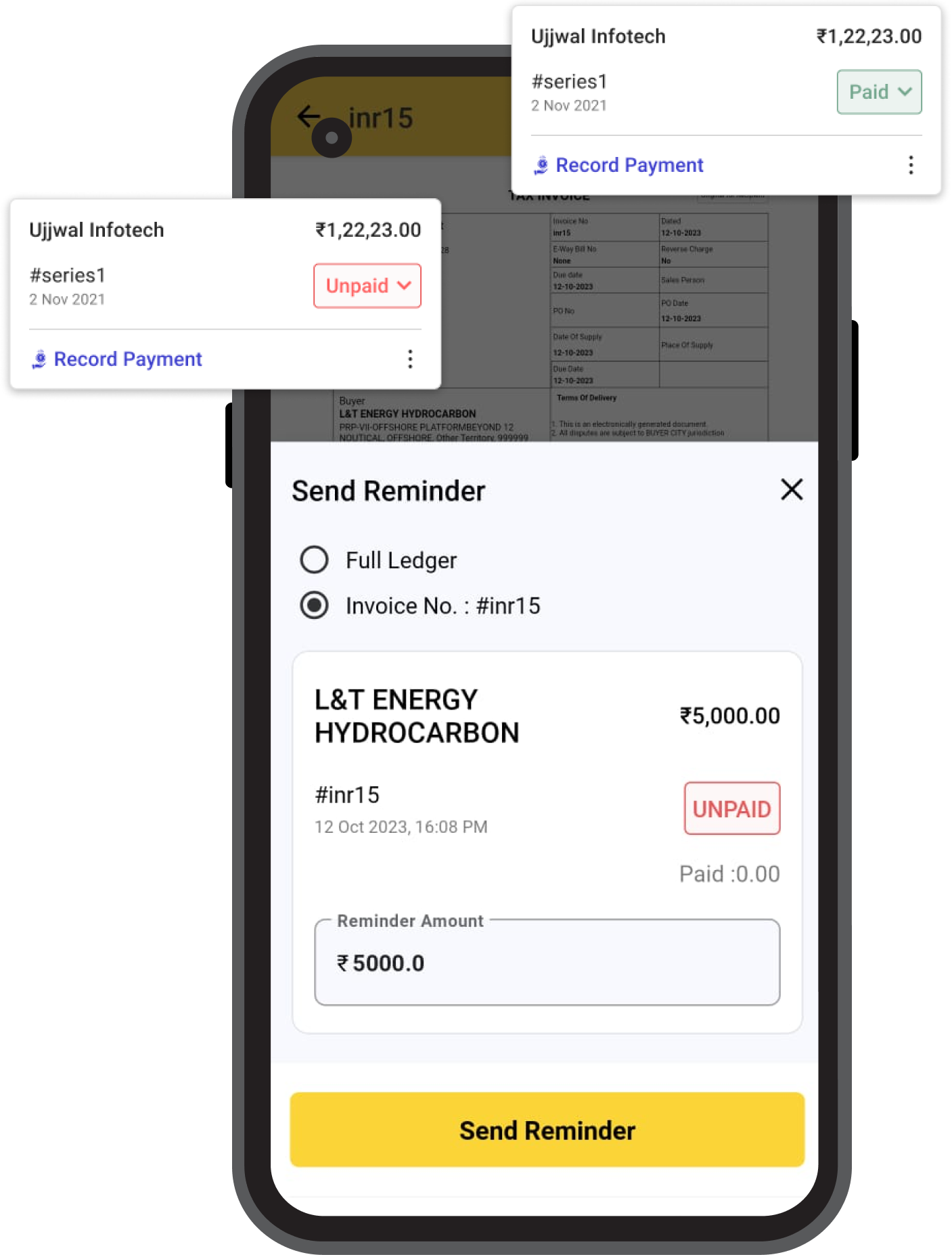
Never miss a payment again with GimBooks' automated payment reminders. You can set up customized reminders to be sent to users, ensuring that you get paid on time.
This feature also helps in reducing payment delays and disputes, strengthening your client relationships.
Why Use GimBooks' E-Invoicing Software
The benefits of adopting GimBooks e-invoicing software are numerous, helping you run a smoother and
more efficient invoicing process. Let's delve deeper into some of the reasons why you should choose our software:
Automate and Streamline Invoicing
GimBooks automates repetitive invoicing tasks, freeing your time to focus on core business activities. Reduce errors, save time, and improve the accuracy of your financial records.
Ensure Invoice Accuracy and Consistency
Our software minimizes the risk of errors, ensuring each invoice is accurate and consistent. Accurate invoicing reduces payment disputes and delays for smooth cash flow.
Follow GST Rules and Regulations
Stay compliant effortlessly. GimBooks automatically calculates and includes the appropriate taxes, helping you meet all legal requirements and avoid penalties.
Provide Smooth and Professional E-Invoicing
Impress customers with well-designed, professional e-invoices. Add your company logo, personalized messages, and payment details to leave a lasting impression.
Save Time and Money on Invoicing
Automating your e-invoice process saves valuable time and reduces overhead costs associated with paper-based systems. Transition to an eco-friendly, cost-effective solution.
Reduce Invoice Errors and Disputes
Automated data entry, compliance checks, real-time error notifications, and centralized invoice history mean smoother management, faster payments, and stronger client relationships.
More Ways GimBooks Can Help Your Business Grow
In addition to our stellar e-invoicing software, GimBooks offers other products that can further
enhance your business operations. Check out some of our additional offerings:
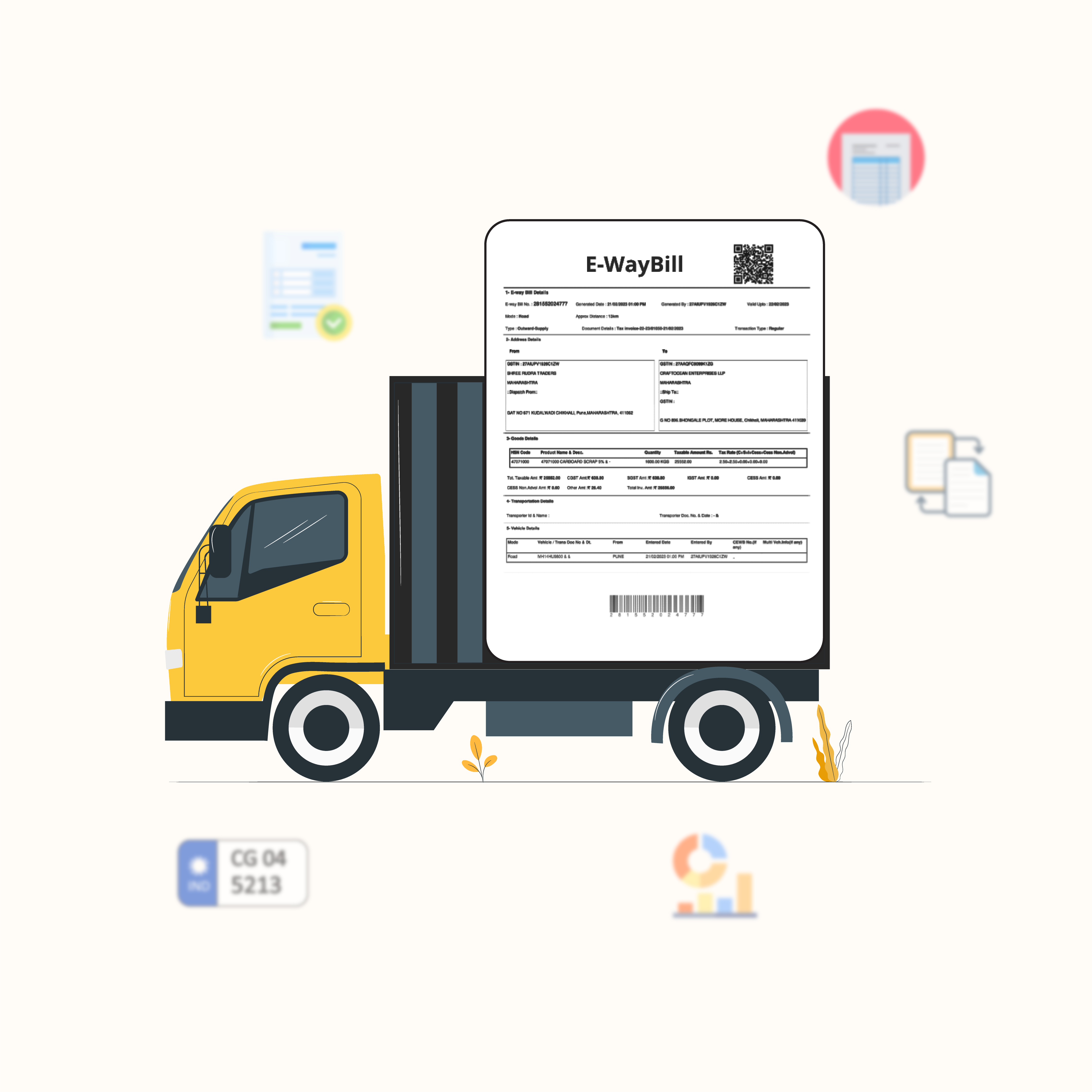
E-Way Bills
Simplify the process of generating and managing e-way bills with GimBooks' integrated solution. Ensure seamless transportation of goods and stay compliant with tax regulations. Our software automates the process of creating e-way bills, reducing the chances of errors and facilitating faster logistics management.
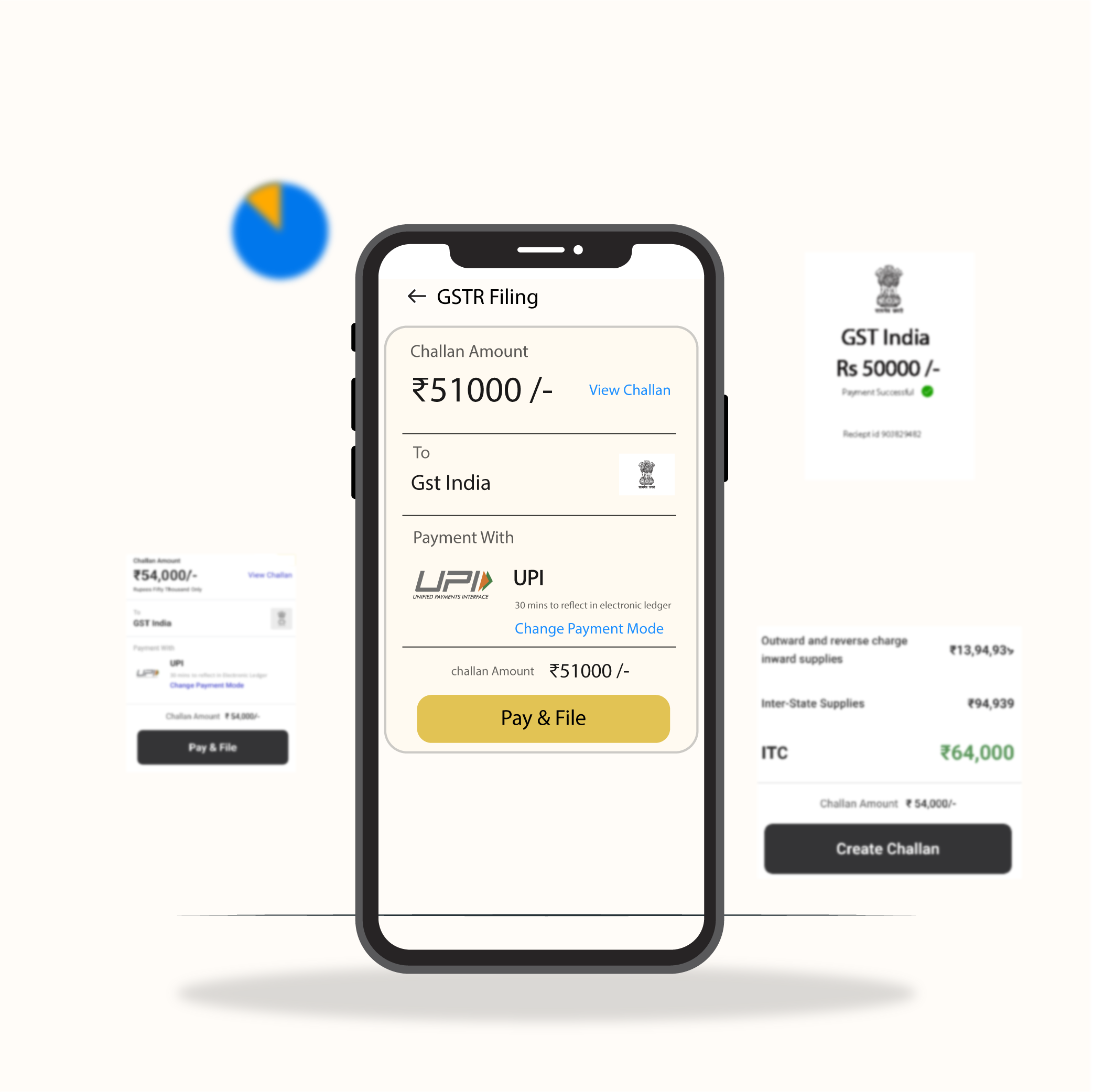
Streamline your GST return filing process with GimBooks' user-friendly software. Stay updated with the latest GST rules and effortlessly file your returns on time. GimBooks automatically fetches data from your invoices and generates accurate GSTR reports, simplifying the compliance process.
"I used to spend countless hours printing, mailing, and storing paper invoices — a huge waste of time and resources. With GimBooks e-invoices, everything is done electronically, saving me time, money, and effort. GimBooks made my work easy."
A
Aman Sharma
Retail Business, Pune
"As a wholesaler, I deal with a high volume of invoices every day. GimBooks e-invoices have made my life so much easier. I can now generate and send invoices electronically, which has significantly improved my income and reduced my costs."
R
Rohit Jain
Wholesaler, Gondia
"This app is a lifesaver! Numbers and forms on the government website gave me a headache. The GimBooks app makes everything simple, even for someone like me who isn't good with phones."
S
Sahil Patel
Distributor, Mumbai
"Now everything is instant! I can create professional, GST-compliant e-invoices easily on my phone, send them to customers with a tap, and see payments come in right away. GimBooks e-invoice is so simple it has made a middle-aged businessman like me feel tech-savvy!"
A
Ashwin Kumar
Textile Business, Raipur
"In construction, dealing with large projects and multiple vendors is tough. With GimBooks e-invoicing I create GST-compliant invoices for all my materials and services quickly, and it keeps track of everything for me. It's like having an assistant for all my e-invoicing needs!"
R
Rajesh Malhotra
Construction Contractor, Bangalore
"I highly recommend GimBooks e-invoices to anyone who wants to streamline their business operations and save money."
A
Abhishek Tripathi
Business Owner, New Delhi
Frequently Asked Questions
What is an e-Invoice?
e-Invoice is a system in which B2B invoices are authenticated electronically by GSTN for further use on the common GST portal. Under the system, an identification number is issued against every invoice by the Invoice Registration Portal (IRP), managed by the GST Network (GSTN).
What is IRN in e-Invoice?
IRN stands for Invoice Reference Number — a unique 64-character alphanumeric code assigned to each invoice generated under the e-Invoicing system, after the invoice is validated by the government's Invoice Registration Portal (IRP). It contains details such as the supplier's GSTIN, invoice number, date, and value, and ensures the authenticity and integrity of the e-Invoice. It is also used to generate a QR code for verification.
What is IRP in e-Invoice?
IRP stands for Invoice Registration Portal — the central government portal used to register, validate, and authenticate electronic invoices. Businesses upload their e-Invoices to the IRP, which validates them and assigns a unique IRN along with a QR code that can be used for verification.
What are the benefits of e-Invoice?
e-Invoicing reduces costs (no paper, printing, postage or storage), increases efficiency through automation, improves cash flow with instant sending, enables better data management, ensures compliance through IRP authentication, and is environmentally friendly.
How to create e-Invoice in GimBooks?
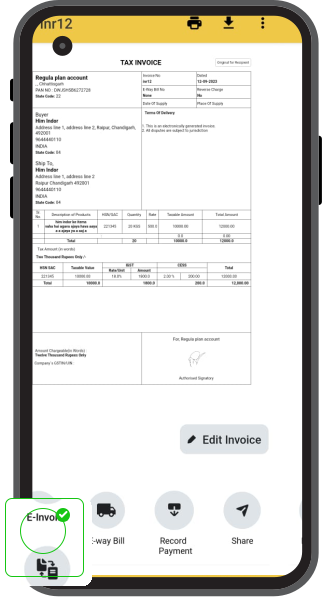
Make a regular invoice using GimBooks, then create an e-invoice by tapping the action at the bottom of the invoice.
Can I create an e-invoice using the GimBooks app?
Yes, you can create an e-invoice using the GimBooks app or from the web.
What are all the required fields of an e-Invoice?
An e-Invoice generally includes: invoice number, invoice date, seller and buyer details (name, address and GSTIN), item description, quantity and unit of measure, price and total amount, tax details (rate and amount), payment terms, delivery details, discounts or adjustments, currency, and the Invoice Reference Number (IRN) generated by the IRP. These fields ensure the e-Invoice carries all information required for legal and accounting purposes and help guarantee accuracy and integrity.
How to link GimBooks to the GST Portal to start using e-Invoice?
In the GimBooks app, go to Settings → e-Invoice and add your GST e-Invoice portal (IRP) API credentials. Once your account is linked, you can authenticate and generate e-invoices directly from GimBooks. Our support team can guide you through the setup over Call or WhatsApp.
Where can I find the e-Invoicing pricing details?
You can find all e-Invoicing pricing details on our pricing page at gimbooks.com/pricing.
How can I cancel an e-Invoice?
e-Invoice values cannot be modified once created. You may cancel the invoice within 24 hours of creation and create a new invoice with corrected values. To cancel, open the e-invoice in the GimBooks app, tap More, and select Cancel e-invoice.
Is invoice management possible from anywhere with e-invoicing software?
Absolutely! With cloud-based e-invoicing software like GimBooks, you can manage your invoices from anywhere with an internet connection. You can access your invoicing data, and create, send and track invoices on the go — whether you are in the office, at home, or travelling.
How does invoice software help in ensuring GST compliance?
GimBooks automatically applies the correct GST rates, validates each invoice against GST rules, and authenticates it with the Invoice Registration Portal (IRP) to generate a valid IRN and QR code. Your records stay accurate and audit-ready, helping you meet GST requirements and file returns without manual effort.
How can I edit the e-Invoice?
e-Invoice values cannot be modified once the e-Invoice is created. You may cancel the invoice within 24 hours of creation and create a new invoice with the corrected values. To cancel, open the e-invoice in the GimBooks app, tap More, and select Cancel e-invoice.
Can I customise e-Invoice template formats?
Yes, GimBooks offers a wide variety of invoice and e-invoice templates. Go to Settings → Invoice templates to choose from the list.