Mobile shop billing software
Billing software for mobile shops
GST invoices, inventory, payments and reports in one app, made for mobile store owners in India. Bill phones, accessories and repairs in a few taps.


- 7-day free trial
- Share invoices on WhatsApp
- Android, iPhone & web
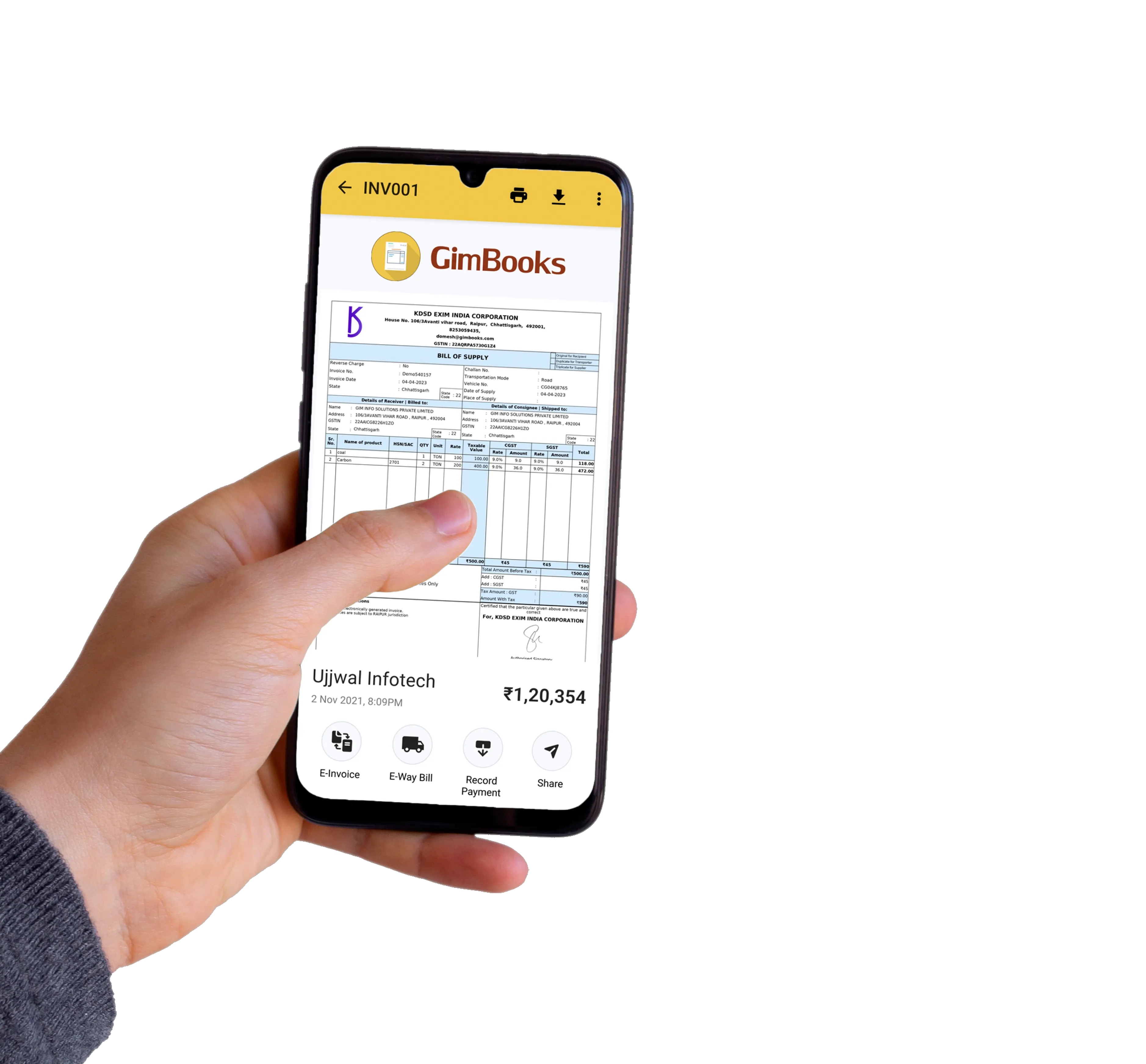
Create invoices in seconds
Add your business details once. Then enter the items, taxes and discounts, and the bill is ready.
- Save templates for repeat customers and best-selling items.
- Less repetitive work and more accurate bills.
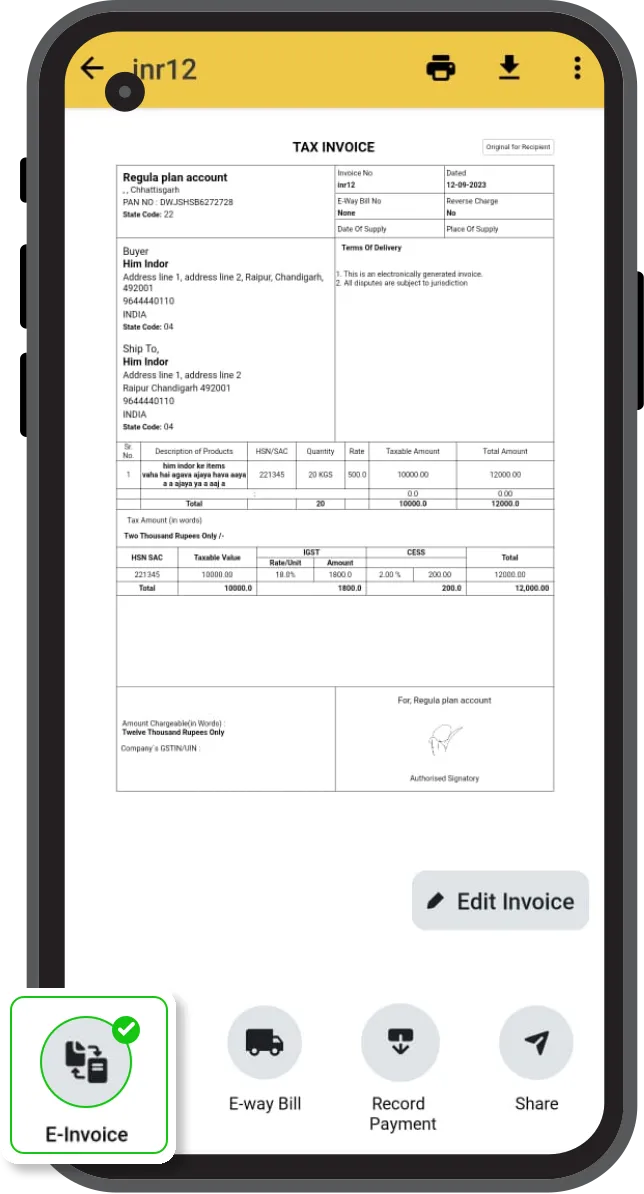
Send invoices on WhatsApp or download them
Send invoices straight to the customer on WhatsApp, or download them as PDFs.
- Know when your invoices are opened.
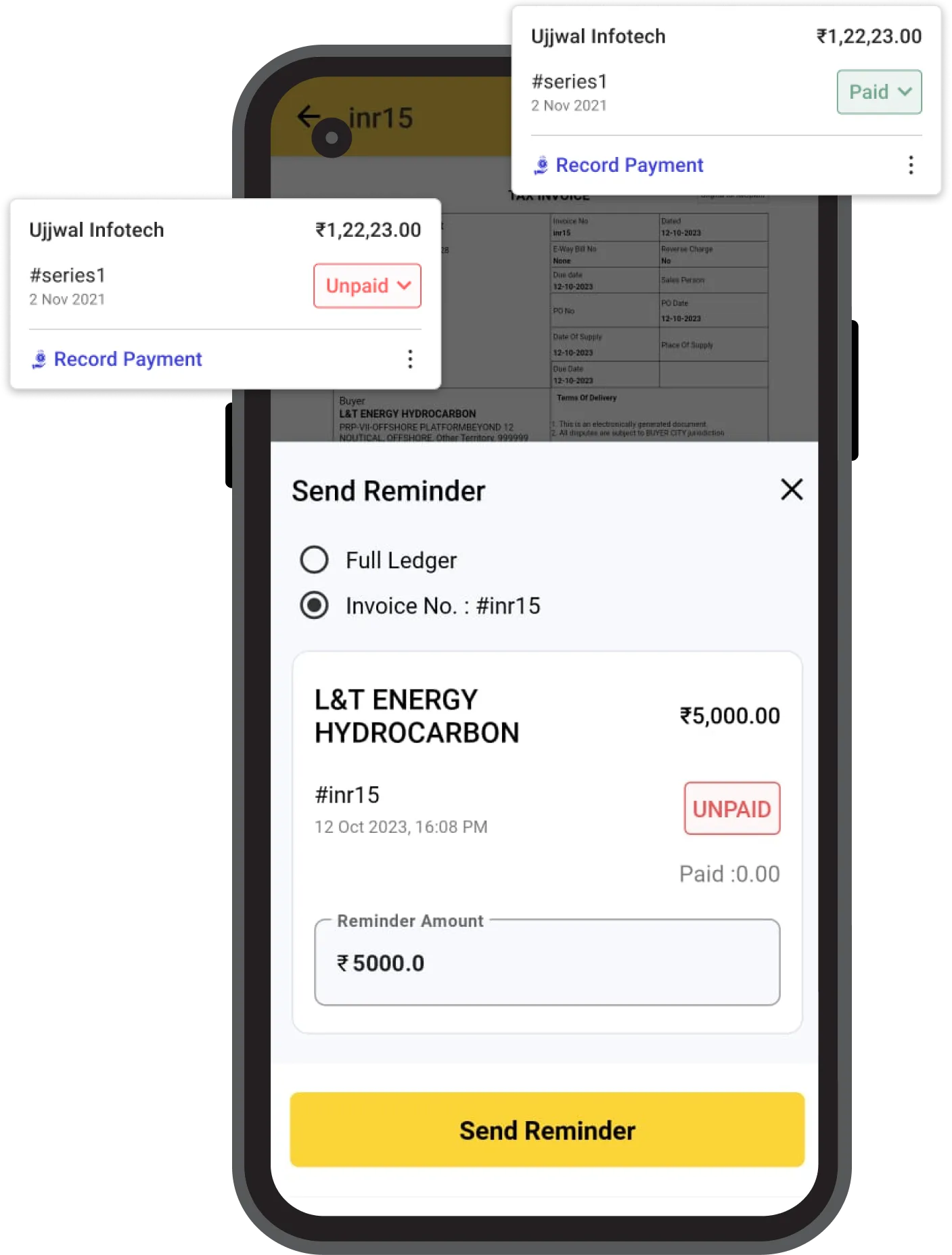
- Track unpaid bills and get notified when payments are overdue.
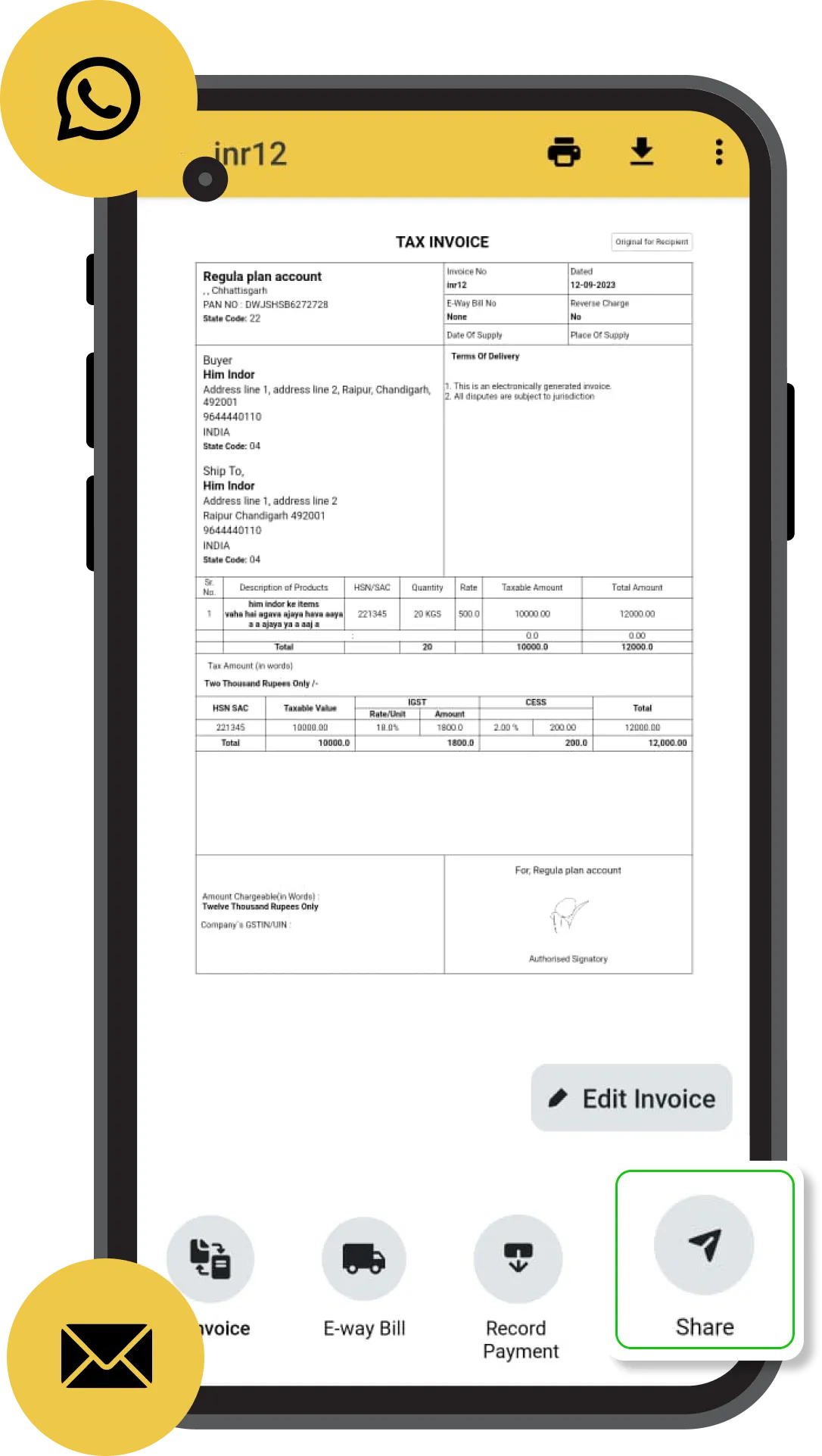
Access from anywhere, anytime
GimBooks is cloud-based, so your billing dashboard is with you in the shop, at home or on the go.
- Check stock, make bills or review reports on mobile, tablet or computer.
- Data syncs in real time, so you never miss a beat.
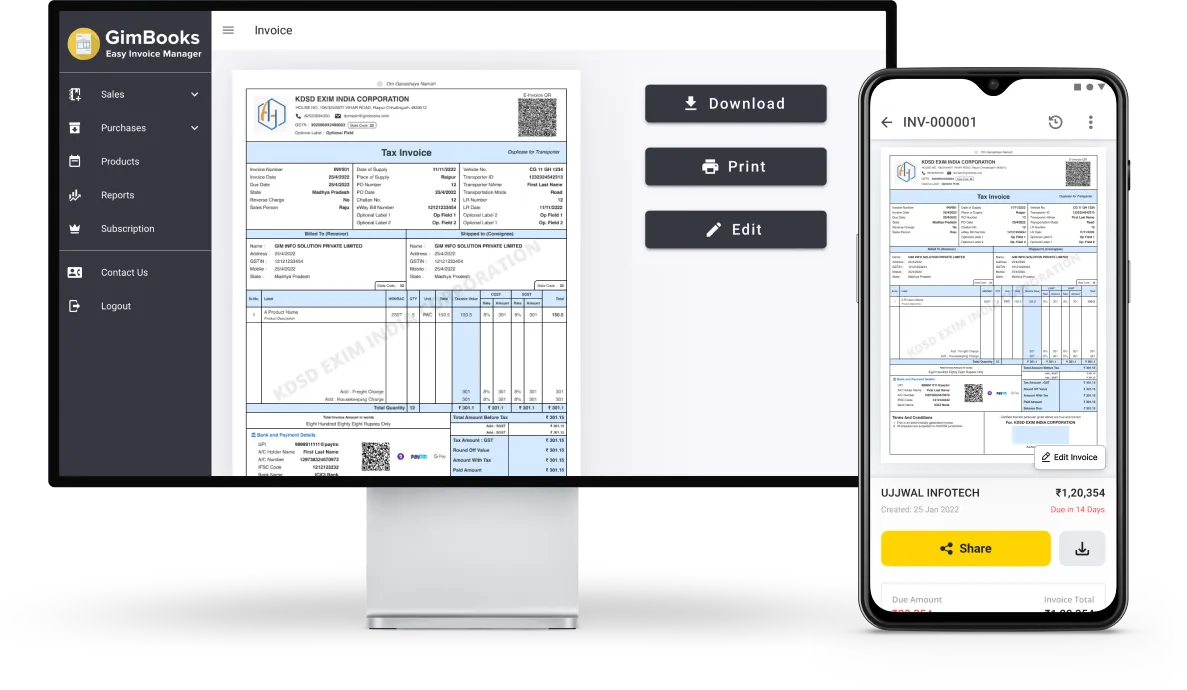
Track outstanding payments
Never forget to follow up again. Set automatic reminders for customers before and after the due date.
- Collect cash faster and spend less time chasing.
- Keep customer relationships healthy with timely reminders.
Why GimBooks
Why mobile store owners use GimBooks
Built around the everyday problems of running a mobile store.
-
Save time with automation
Tax, invoice creation and payment tracking happen automatically, so you can focus on the shop.
-
Fewer billing errors
Totals and GST are calculated for you, and issues are flagged as you bill, so every invoice is accurate.
-
Built for mobile stores
Sell phones, accessories, repairs and services. Apply discounts, track batches and manage stock from one dashboard.
-
GST compliant
GST-ready invoices with HSN codes and the right tax rates, in line with current rules.
-
Custom invoices
Add your logo, brand name and payment terms. A well-designed invoice builds trust with customers.
-
Cloud-based and secure
Your data is backed up in the cloud, so your records are safe and available wherever you work.
Easy setup
Start billing in minutes
If you can use a smartphone, you can use GimBooks. No technical skills needed.
- 01
Download or sign up
Install GimBooks on Android or iPhone, or open the web dashboard on your computer.
- 02
Add your business
Enter your business name, GSTIN and logo once, then add your phones, accessories and repair services.
- 03
Start billing
Create your first GST invoice and share it on WhatsApp, or print it at the counter.
GST, end to end
More than billing
The bill is only the start. GimBooks also handles the GST work that comes after it.
-
E-invoicing
Get the IRN and signed QR code for any invoice in one click, and cancel within 24 hours from the app.
Learn more -
E-way bills
Turn an invoice or challan into an e-way bill in one click, and update the vehicle number on the go.
Learn more -
GSTR filing
File GSTR-1 in three steps, and GSTR-3B, from the sales and purchases already in GimBooks.
Learn more -
Inventory
Stock updates with every sale and purchase, with low-stock alerts before you run out.
Learn more
Does your accountant use Tally? Sync your vouchers to Tally, so your books stay up to date without typing anything twice.
Customer reviews
Shop owners, traders and manufacturers run on GimBooks
-
“Running a mobile shop can get hectic, especially with billing and keeping track of stock. Ever since I started using the GimBooks app, things have become much simpler! This billing and invoicing software is in Hindi, which makes it very easy to use. Now, billing customers and managing my inventory takes half the time! I can even generate reports to see which phones are selling the most, which helps me stock up better. Overall, GimBooks is a lifesaver for any mobile shop owner.”
AA Ashish Agarwal Mobile Retailer -
“In the jewellery business, accuracy and trust are important. Thankfully, GimBooks has helped me achieve both with customers! This billing and invoicing software lets me create detailed bills for each piece of jewellery, including weight, design, and material. It also helps me manage customer accounts and track sales. With GimBooks, I can ensure all my billing is accurate and I can file gst too from the app. It's a great billing and invoicing software for any jewellery business owner.”
RP Mrs. Radha Patel Jewellery Business Owner -
“Since using GimBooks, managing my spice business has become much more efficient. The e-invoice generator saves me time, and the updated reports give me valuable insights into my sales.”
RM Rajeev Malhotra Spice Wholesale -
“As a pharma company owner, managing bills and invoices for various medicines can be a real headache. But, GimBooks has been a game-changer for me! This user-friendly app lets me create bills quickly and keeps track of all my sales data. It even helps me maintain separate accounts for the different pharmacies I supply to. What's more, I can access GimBooks from my phone anywhere, anytime. It's a fantastic billing and invoicing software that has made my life much easier.”
VS Vikram Singh Pharma Manufacturer -
“I love that GimBooks has party-wise reports, sales-wise reports, stock-wise reports, and more. It helps me to manage my cloth bundle easily with the supplier. This billing and invoicing software lets me create custom invoices for different types of fabrics and keeps track of my production and sales data. It's also easy to manage accounts for different retailers I supply to. The app is a great all-in-one solution for small businesses like mine.”
PM Pradeep Malhotra Textile Manufacturer -
“I was hesitant to try a new billing app at first, but I'm so glad I gave GimBooks a chance. It's perfect for my small steel trading business. I can create professional-looking invoices with my company logo in seconds. It also helps me track my inventory and low stock alerts ensure I never run out of important supplies. The app is in Hindi too, which makes things even easier for me.”
AV Abhishek Verma Steel Trader
FAQ
Mobile shop billing software: your questions
Can't find what you need? Call us or write to our support team.
What is the best billing software for mobile shops?
GimBooks is designed for mobile shops in India. It handles GST billing, inventory and payment tracking and works across devices, which makes it a strong fit for mobile retailers.
Is this billing software GST compliant?
Yes. It creates fully GST-compliant invoices with tax calculations and HSN codes, and supports GSTR-1 and GSTR-3B filing.
Can I use the software on both mobile and desktop?
Yes. GimBooks is cloud-based and works on phones, tablets and computers, so your store’s data is available anywhere.
Does it support sales of both phones and accessories?
Yes. It suits every kind of mobile shop, including those selling phones and accessories and offering repairs. You can add your own product categories, services and bundles.
Can I add my own logo and customise the invoice?
Yes. Add your shop’s logo, contact details, payment instructions and notes.
Does it help with inventory and stock tracking?
Yes. Track stock in real time, set low-stock alerts and view purchase history.
Can I send invoices through WhatsApp?
Yes. Send invoices to customers on WhatsApp, or download them as PDFs to email or print.
Will I get reminders for unpaid invoices?
Yes. Set automatic payment reminders for your customers. Overdue payments are tracked, so you never miss a follow-up.
How does it help with GSTR filing?
Your invoice data flows into GSTR-1 and GSTR-3B reports automatically, which makes filing faster and more accurate.
Do I need technical skills to use this software?
No. It is simple to use: if you have used a smartphone, you can start billing in minutes.
Is customer support available?
Yes. Call or write to our support team whenever you need help, and use our video tutorials for step-by-step guides.
Can I edit an e-invoice after it is created?
No. An e-invoice cannot be changed once it is created. You can cancel it within 24 hours (open the e-invoice in GimBooks, tap More, then Cancel e-invoice) and create a new invoice with the correct values.
Can I customise invoice and e-invoice templates?
Yes. Go to Settings, then Invoice templates, to choose from the invoice and e-invoice templates in the app.
Billing software for other businesses
See how GimBooks works for other trades and devices.
Bill your next phone sale with GimBooks
Every plan starts with a 7-day free trial. Use it on your phone or computer.