Tours & travels billing software
Billing software for tours and travels businesses
Bill flights, hotels, car rentals, trains and buses on GST invoices, with passenger names, routes and booking details printed under each item. Made for travel agents and tour operators in India.


- 7-day free trial
- Passengers & routes on the bill
- Car rental per day or per km
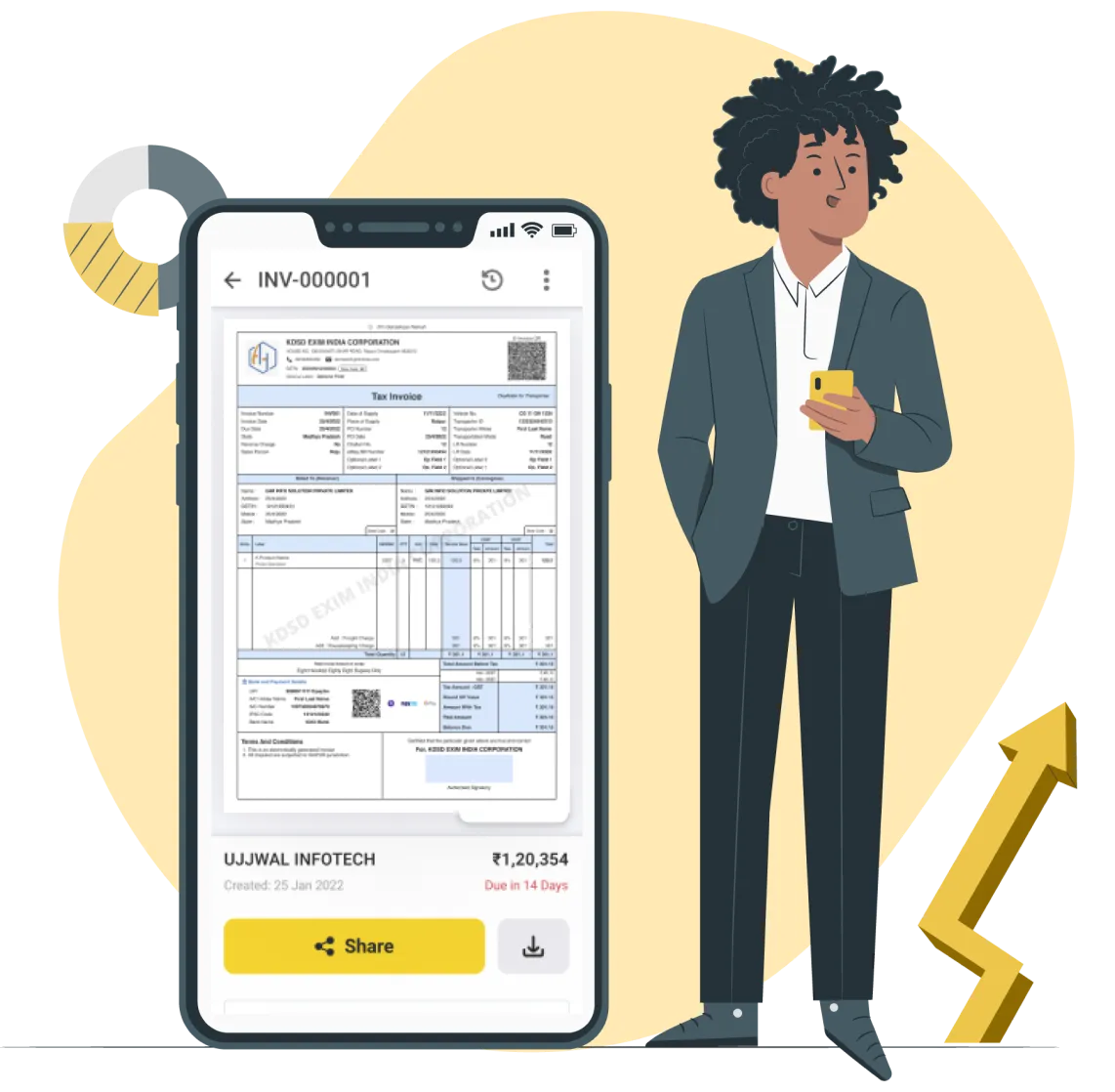
What is tours and travels billing software?
Tours and travels billing software helps travel agents, tour operators and car rental businesses make GST invoices for the bookings they sell, and keep track of what each customer owes.
Each booking goes on the bill with the details your customer needs: who is travelling, where, when and how.
Why travel businesses need specialised billing software
- One trip can mix flights, hotels, car rentals, trains and buses, each with different details.
- Customers and companies want passenger names, routes and dates on the invoice.
- Car rentals are priced by the day, by the kilometre or at a fixed amount.
- Generic billing software leaves all of this to a long item description.
Travel billing
Everyday travel billing problems, handled
GimBooks gives every booking its own details, so the invoice explains itself.
| Travel business challenge | How GimBooks helps |
|---|---|
| Bookings of every kind | Separate details for flight, hotel, car rental, train and bus |
| Passenger names on the bill | Names with ticket, seat or berth numbers, or just a head count |
| Hotel guests and rooms | Guests with room numbers, check-in and check-out dates |
| Car rental pricing | A fixed amount, per day or per km |
| “Which trip is this bill for?” | Journey, dates and PNR printed under each item |
| Pending payments | Automatic payment reminders on WhatsApp |
| GST on every booking | GST invoices, 1-click e-invoices and GSTR-1 in 3 steps |
Quotations
Quote the trip, then bill it
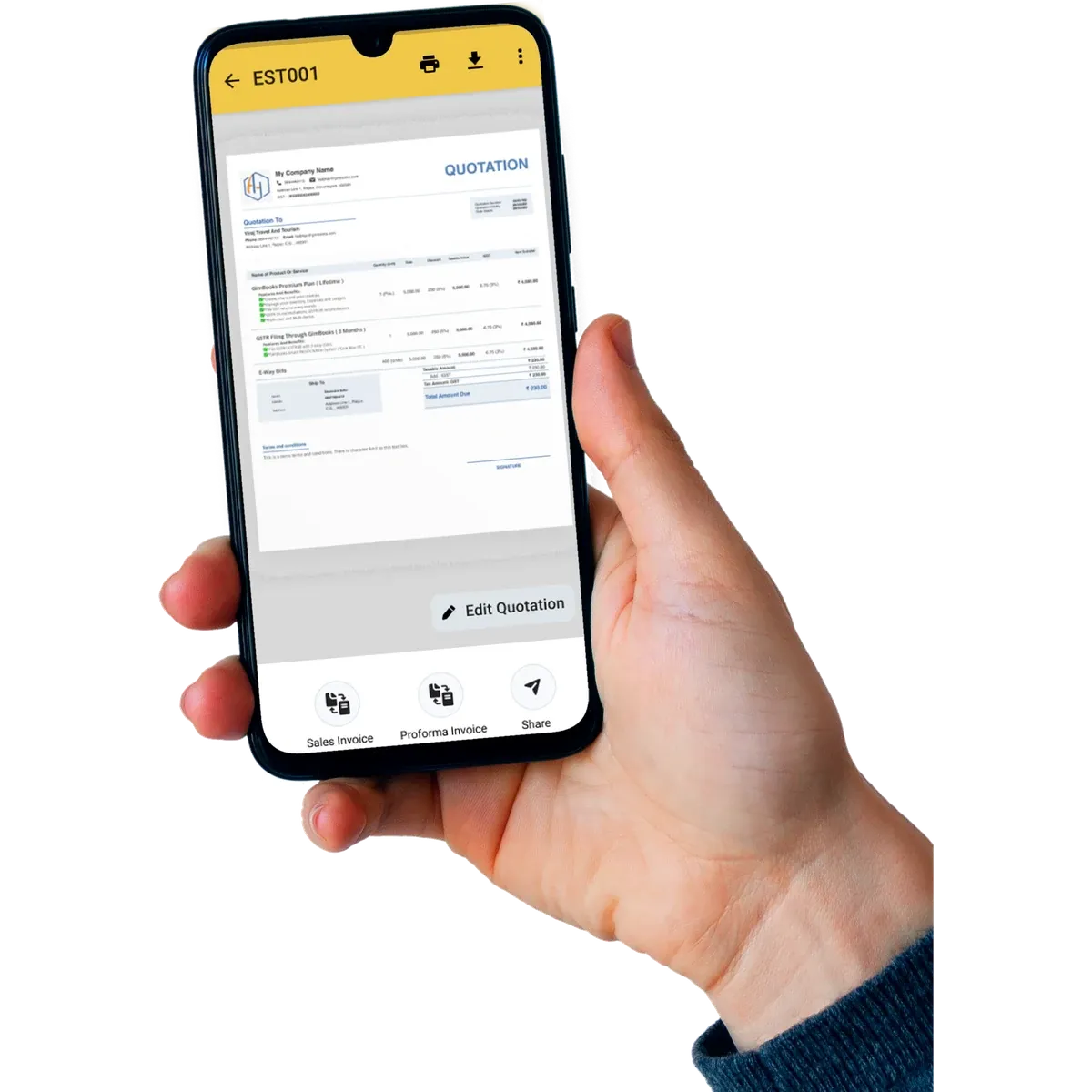
Send the customer a quotation for the package. When they confirm, convert it into an invoice without typing it again.
- See which quotes are pending, accepted or rejected.
- Or convert the quote into a proforma invoice to ask for an advance.
Share
Send the invoice before the trip starts
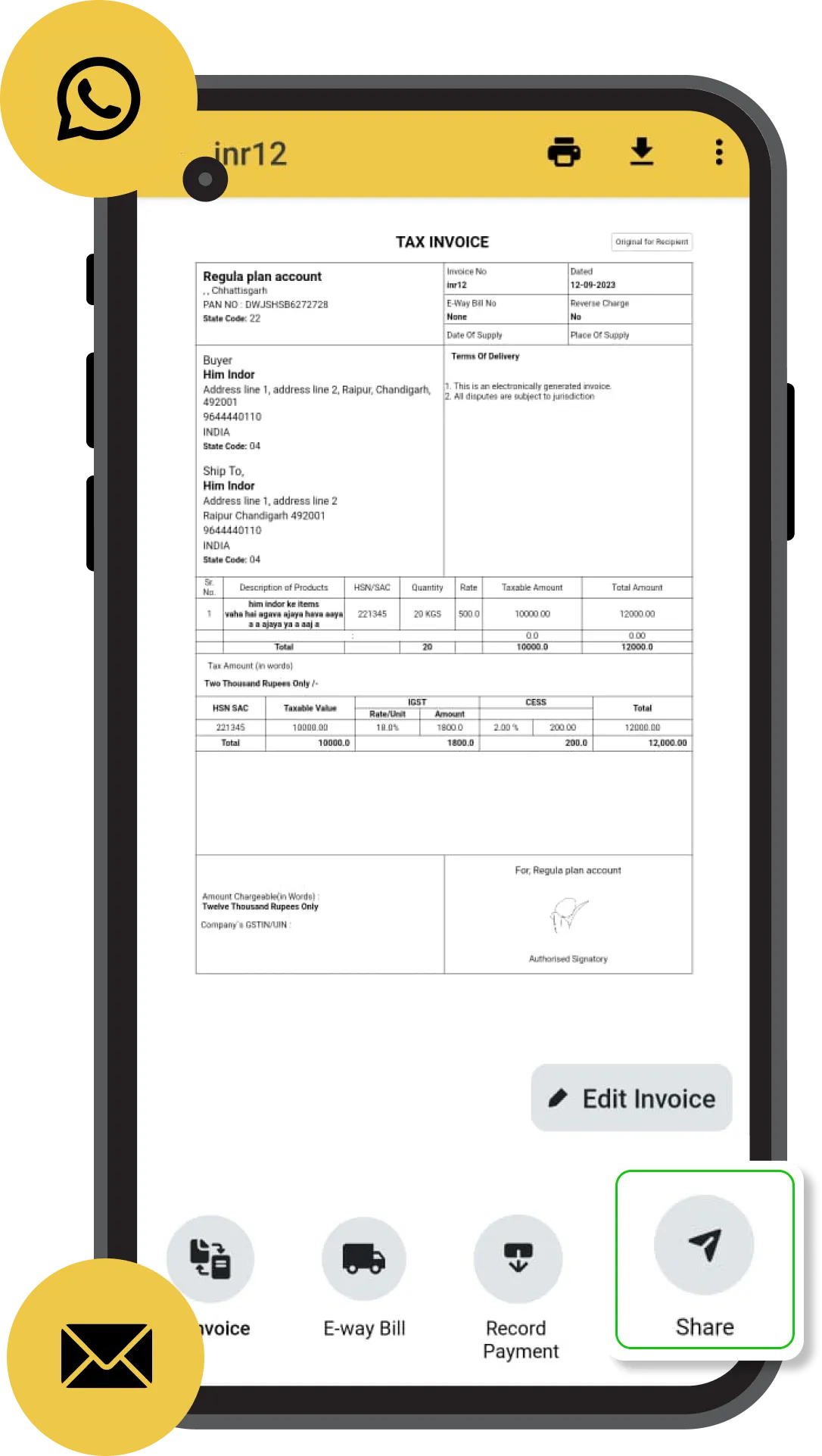
Share the invoice on WhatsApp or email as a PDF with your logo, or print it for the customer.
- Passengers and booking details print under each item.
- Automatic reminders follow up on the balance before, on or after the due date.
Why GimBooks
Why travel businesses choose GimBooks
A travel desk juggles bookings, customers and payments at once. GimBooks keeps the billing side simple, so you can get back to planning trips.
-
Bookings billed in minutes
Pick the service type, fill in the details and the price, and the invoice line is ready.
-
GST compliant
GST invoices with SAC codes, 1-click e-invoices and GSTR-1 filed in 3 steps.
-
Made for travel
Flights, hotels, car rentals, trains and buses each have their own fields, so nothing is squeezed into the item name.
-
Synced across devices
Bill from your phone on the road and check it on the computer at the office. Your data is backed up in the cloud.
-
Your agency’s brand
Add your logo, GSTIN, terms and bank details to every invoice.
-
7-day free trial
Every Premium plan starts with a 7-day free trial, so you can bill real customers before you pay.
Features
Bill every kind of booking
Choose the service type and GimBooks shows the fields that booking needs.
-
Flights
The journey from airport to airport, airline, flight number, PNR, departure and arrival, and each passenger’s ticket number.
-
Hotels
Check-in and check-out dates, room category, number of rooms, and each guest with their room number.
-
Car rentals
Vehicle, pickup and drop points and times, and the driver’s name and contact. Price it as a fixed amount, per day or per km.
-
Trains
Train number, coach or class, PNR, the journey between stations, and each passenger’s seat or berth.
-
Buses
Operator, bus number, boarding and drop points, timings, and each passenger’s seat number.
-
Passengers your way
List every passenger by name, or just enter how many are travelling. Either way, it prints on the invoice.
Who it’s for
Who is this travel billing software for?
Travel businesses of every size, from a one-desk agent to a tour operator with a team.
-
Travel agents
Bill flight, train and bus tickets with passenger details on every invoice.
-
Tour operators
Quote packages, then bill hotels, transport and tickets on one invoice.
-
Car rental & taxi services
Bill trips by the day, by the km or at a fixed price.
-
Corporate travel desks
GST invoices with the names, routes and dates companies ask for.
Benefits
Benefits for travel businesses
Clearer invoices, faster billing and a firm grip on what customers owe.
- Clear invoices: every booking shows who travelled, where and when.
- Faster billing: the right fields for each service instead of long descriptions.
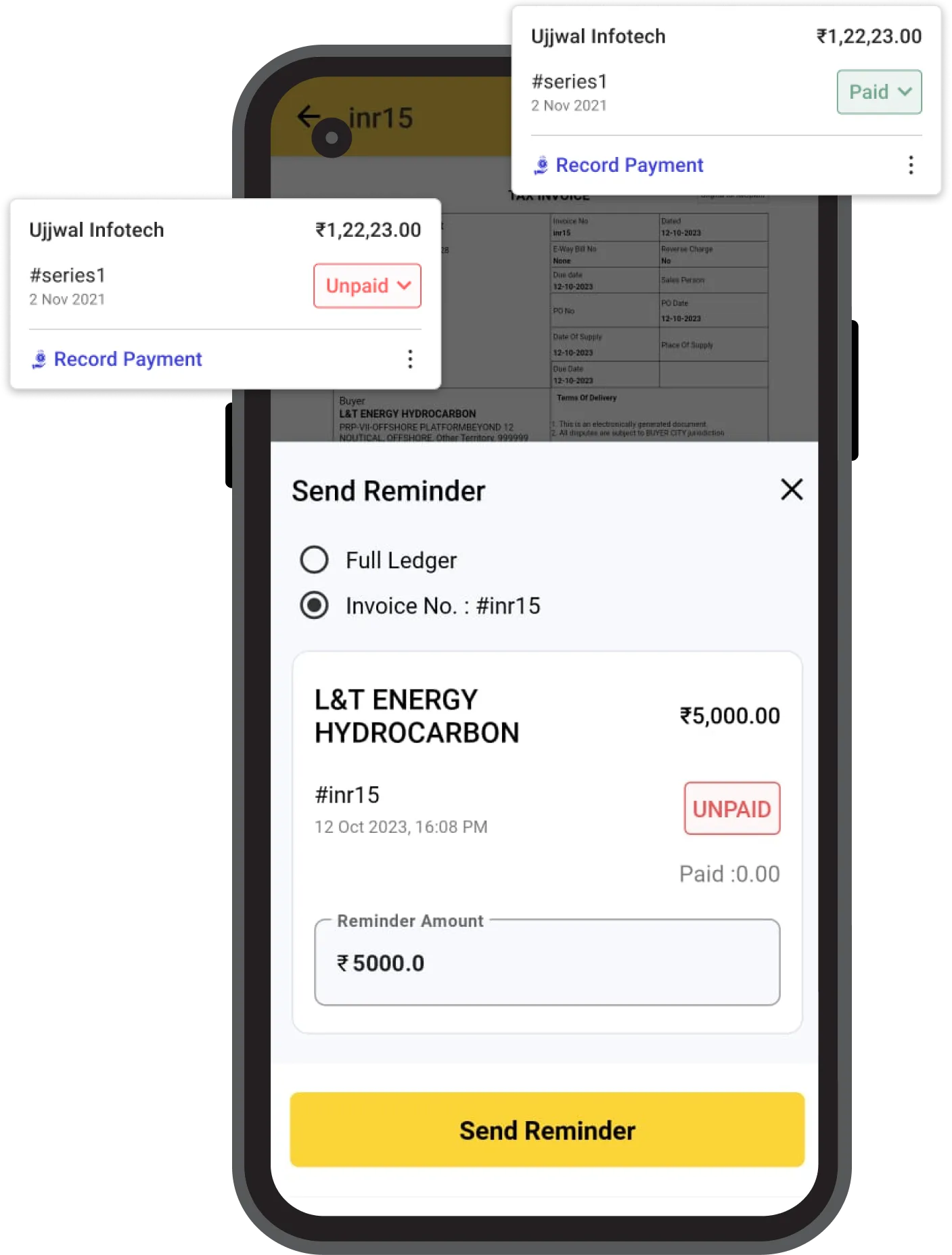
- Better cash flow: WhatsApp reminders and the ageing report show who still owes you.
- Team access: add staff and choose what each person can view, add, edit or delete.
Easy setup
Start billing in minutes
No technical knowledge needed. Your data is backed up in the cloud.
- 01
Download or sign up
Install GimBooks on Android or iPhone, or open the web dashboard on your computer.
- 02
Choose Tours and Travels
In Settings, set your business sector to Tours and Travels. The booking fields then appear when you add a service.
- 03
Add a booking
Pick flight, hotel, car rental, train or bus, fill in the details and passengers, and set the price.
- 04
Send the invoice
Share it on WhatsApp or email as a PDF, or print it.
GST, end to end
More than billing
The bill is only the start. GimBooks also handles the GST work that comes after it.
-
E-invoicing
Get the IRN and signed QR code for any invoice in one click, and cancel within 24 hours from the app.
Learn more -
E-way bills
Turn an invoice or challan into an e-way bill in one click, and update the vehicle number on the go.
Learn more -
GSTR filing
File GSTR-1 in three steps, and GSTR-3B, from the sales and purchases already in GimBooks.
Learn more -
Inventory
Stock updates with every sale and purchase, with low-stock alerts before you run out.
Learn more
Does your accountant use Tally? Sync your vouchers to Tally, so your books stay up to date without typing anything twice.
Customer reviews
Shop owners, traders and manufacturers run on GimBooks
-
“Running a mobile shop can get hectic, especially with billing and keeping track of stock. Ever since I started using the GimBooks app, things have become much simpler! This billing and invoicing software is in Hindi, which makes it very easy to use. Now, billing customers and managing my inventory takes half the time! I can even generate reports to see which phones are selling the most, which helps me stock up better. Overall, GimBooks is a lifesaver for any mobile shop owner.”
AA Ashish Agarwal Mobile Retailer -
“In the jewellery business, accuracy and trust are important. Thankfully, GimBooks has helped me achieve both with customers! This billing and invoicing software lets me create detailed bills for each piece of jewellery, including weight, design, and material. It also helps me manage customer accounts and track sales. With GimBooks, I can ensure all my billing is accurate and I can file gst too from the app. It's a great billing and invoicing software for any jewellery business owner.”
RP Mrs. Radha Patel Jewellery Business Owner -
“Since using GimBooks, managing my spice business has become much more efficient. The e-invoice generator saves me time, and the updated reports give me valuable insights into my sales.”
RM Rajeev Malhotra Spice Wholesale -
“As a pharma company owner, managing bills and invoices for various medicines can be a real headache. But, GimBooks has been a game-changer for me! This user-friendly app lets me create bills quickly and keeps track of all my sales data. It even helps me maintain separate accounts for the different pharmacies I supply to. What's more, I can access GimBooks from my phone anywhere, anytime. It's a fantastic billing and invoicing software that has made my life much easier.”
VS Vikram Singh Pharma Manufacturer -
“I love that GimBooks has party-wise reports, sales-wise reports, stock-wise reports, and more. It helps me to manage my cloth bundle easily with the supplier. This billing and invoicing software lets me create custom invoices for different types of fabrics and keeps track of my production and sales data. It's also easy to manage accounts for different retailers I supply to. The app is a great all-in-one solution for small businesses like mine.”
PM Pradeep Malhotra Textile Manufacturer -
“I was hesitant to try a new billing app at first, but I'm so glad I gave GimBooks a chance. It's perfect for my small steel trading business. I can create professional-looking invoices with my company logo in seconds. It also helps me track my inventory and low stock alerts ensure I never run out of important supplies. The app is in Hindi too, which makes things even easier for me.”
AV Abhishek Verma Steel Trader
FAQ
Tours and travels billing software: your questions
Can't find what you need? Call us or write to our support team.
What is tours and travels billing software?
Billing software that helps travel agents, tour operators and car rental businesses make GST invoices for bookings, with passenger and trip details on the bill, and keep track of payments.
Which bookings can I bill with GimBooks?
Flights, hotels, car rentals, trains and buses. Each has its own details, such as the flight number and PNR for a flight, or check-in and check-out dates for a hotel.
Can I put passenger names on the invoice?
Yes. Add each passenger by name, with their ticket, seat or berth number where it applies, or enter just the number of passengers. Hotel bookings list the guests with their room numbers.
How do I bill a car rental per day or per km?
Choose the pricing method for the rental: a direct amount, per day or per km. For per day or per km, enter the rate and the number of days or kilometres, and GimBooks works out the amount.
What booking details print on the invoice?
The passengers come first, then the details you filled in, such as the airline, flight number, PNR, the journey from and to, and the departure and arrival times. Fields you leave blank are not printed.
Does GimBooks book tickets or hotels?
No. GimBooks is billing and accounting software, not a booking engine. Book with the portal or supplier you already use, then record the booking on your GimBooks invoice.
How do I turn on tours and travels billing?
In Settings, set your business sector to Tours and Travels. The booking fields then appear when you add a service to an invoice.
Is GimBooks free for travel agents?
There is no free plan. Every Premium plan starts with a 7-day free trial, so you can bill real bookings before you pay. Current plans are on our pricing page.
Does GimBooks handle GST for travel services?
Yes. Invoices carry SAC codes and GST, e-invoices are generated in one click, and your sales flow into GSTR-1, which you can file in 3 steps.
Billing software for other businesses
See how GimBooks works for other trades and devices.
Bill your next booking with GimBooks
Flights, hotels, cars, trains and buses on one GST invoice. Every plan starts with a 7-day free trial.