Expenses
Understand expenses like never before
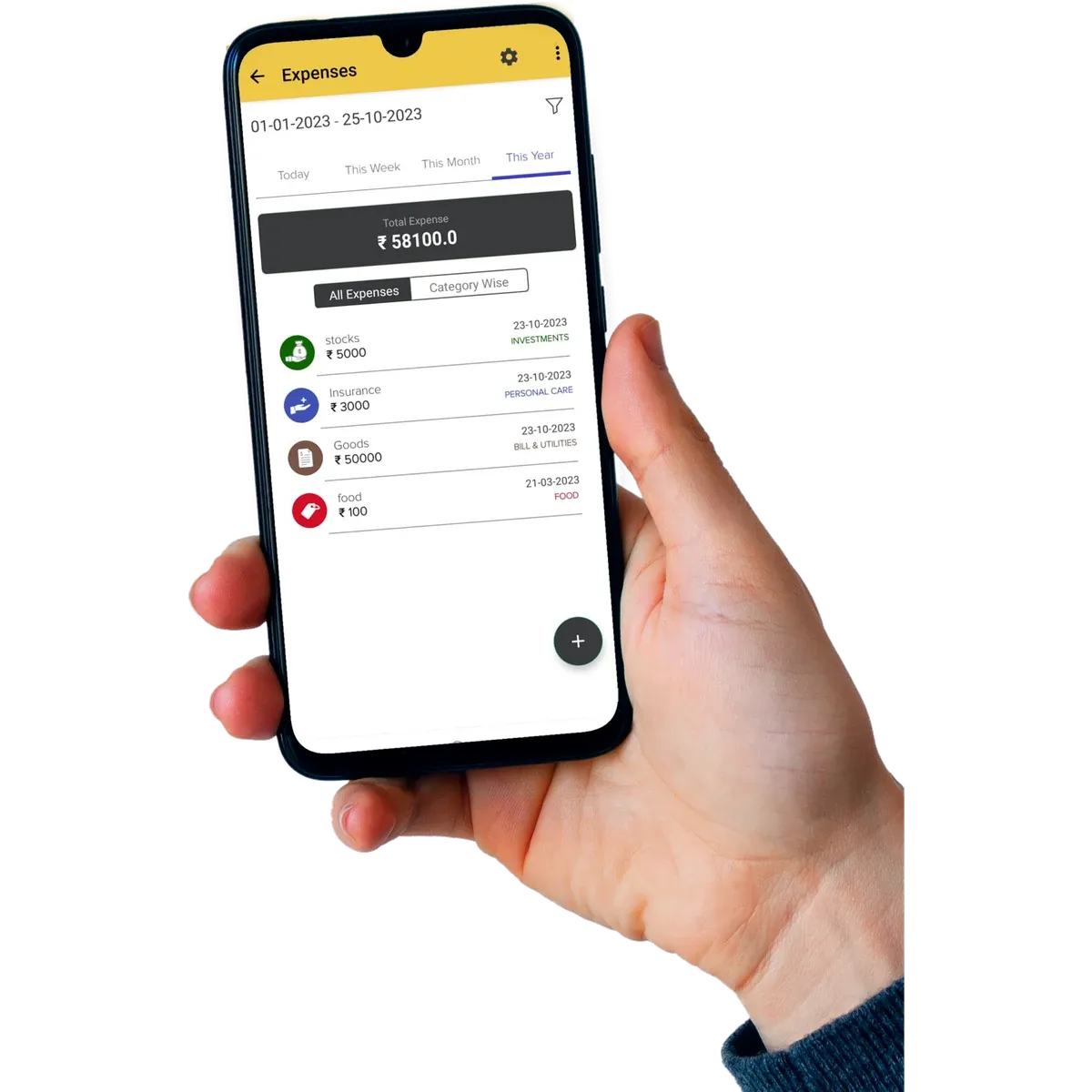
Say goodbye to spreadsheets and piles of receipts. Whether you own the business or manage its finances, GimBooks helps you record every expense and see where the money goes. Don't just track your expenses; understand them.


- Category-wise spending
- Filter by date
- Share as PDF
Categories
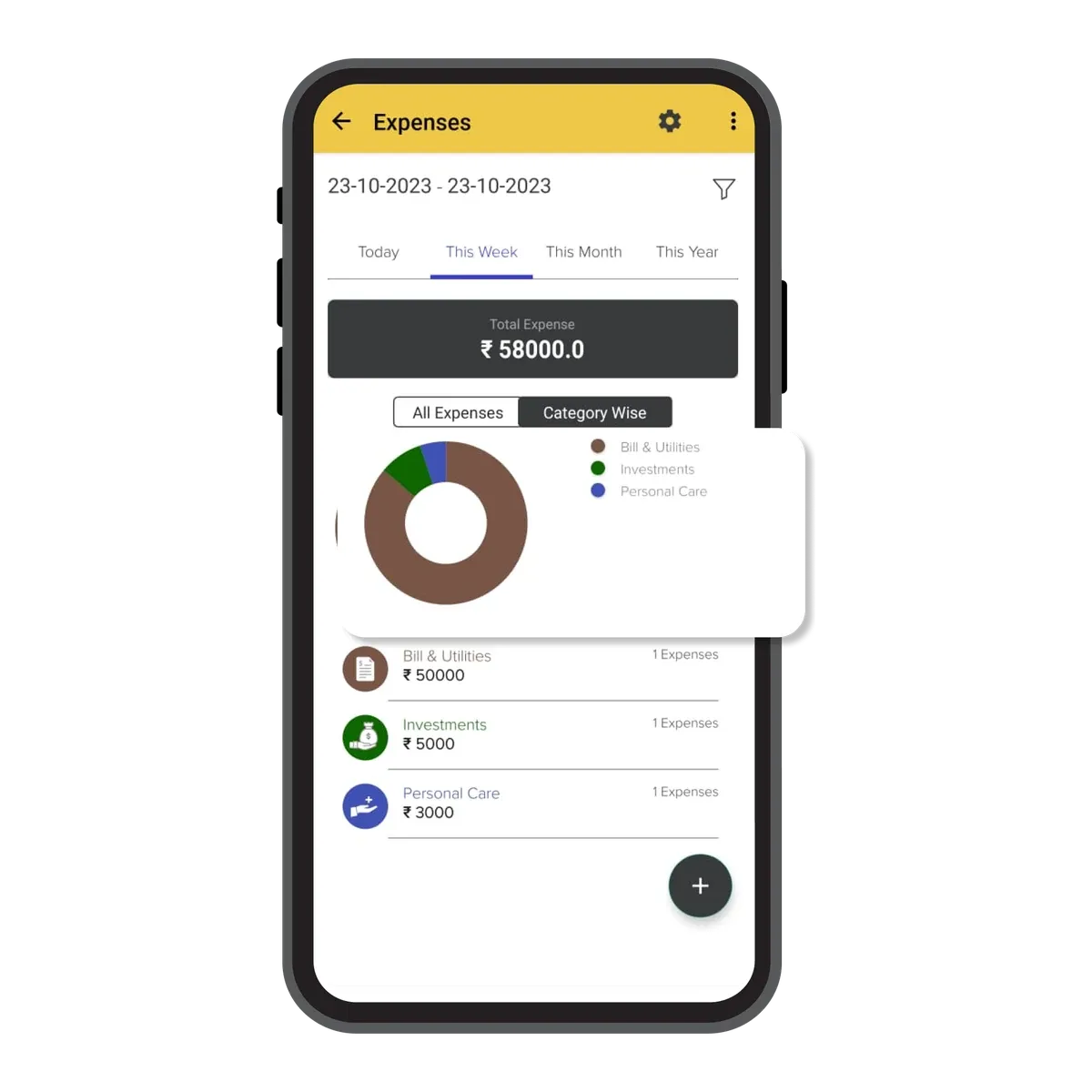
Categorise every expense
From office supplies to travel, put each expense in a category and see your spending as a chart. GimBooks keeps a complete, organised record in the cloud, so you always know where your money is going.
Time
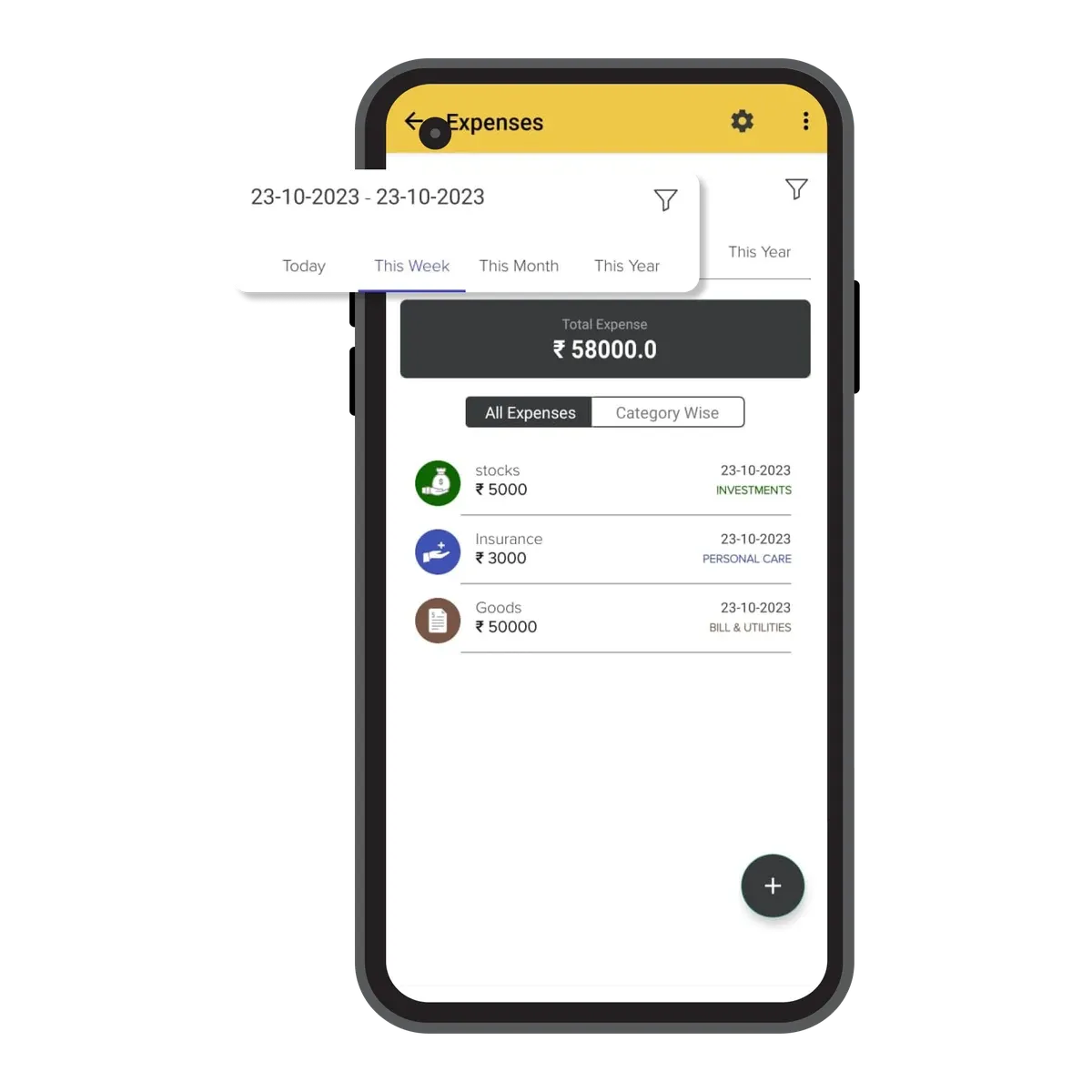
Filter by time
Look at today, this week, this month or any date range you choose, and see exactly what you spent in that period.
Insights
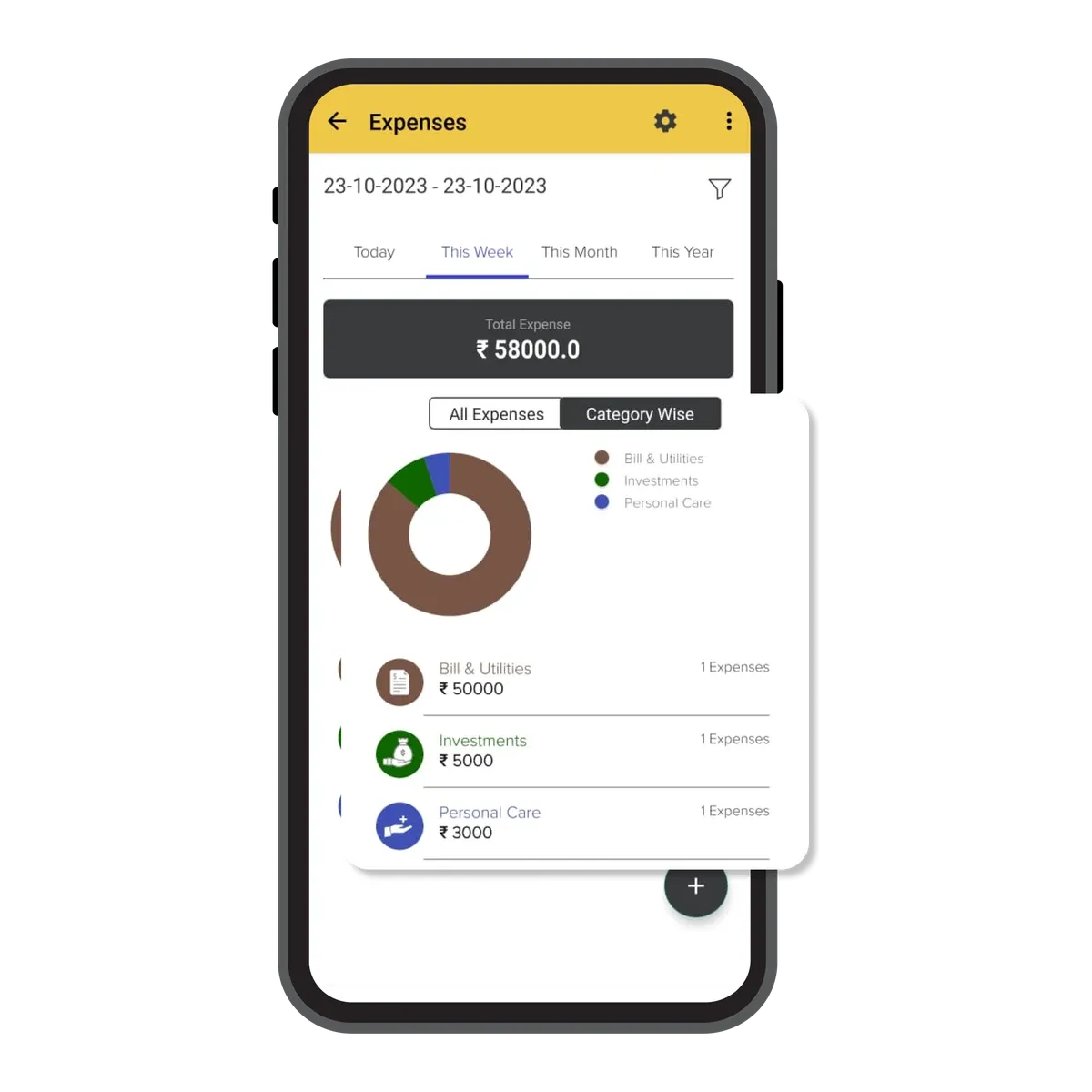
Insights that help you budget
Switch between category and time views to see what each kind of expense costs you, budget your profits better, and share the view in the format you need on any platform.
Why GimBooks for expenses
Expense tracking that fits your day
-
Edit after the preview
Made a mistake? Edit an expense even after you have previewed it.
-
Account type
Add an account type to each expense as you record it.
-
Download and share
Download expenses as a PDF and share them on email, WhatsApp or any platform.
-
Phone and computer
Record and review expenses on the app or the web dashboard, wherever you are.
-
Easy to track
Every expense has its own number at the top right, so you can always find it and keep track of your budget.
-
Secure by default
GimBooks is protected with SSL encryption, so the business details you enter stay between you and us.
How it works
How to manage expenses in GimBooks
- 01
Record the expense
Enter the details of each expense. This is the base for every budgeting decision.
- 02
See your spending
View your spending visually to understand where the money goes and decide what to change.
- 03
Filter and fine-tune
Add an account type, filter your expenses and edit any entry after previewing it.
FAQ
Expense questions, answered
Can't find what you need? Call us or write to our support team.
What can I track with GimBooks expenses?
Any business expense, from office supplies to travel. Record each one, put it in a category and see your spending by category or over time.
Can I see my expenses by category or by date?
Yes. Group expenses by category, or filter them by today, this week, this month or a date range you choose.
Can I edit an expense after saving it?
Yes. You can edit an expense even after you have previewed it.
Can I share my expenses?
Yes. Download them as a PDF and share them on email, WhatsApp or any other platform.
Can I use GimBooks expenses on my phone and computer?
Yes. GimBooks works on Android, iPhone and the web dashboard, and your data stays in sync across all of them.
Is my expense data safe?
GimBooks is protected with SSL encryption, and your books are kept in the cloud with instant backup, so a lost phone does not mean lost data.
How do I get started with expenses in GimBooks?
Sign up on the GimBooks web dashboard or download the app from Google Play or the App Store. Every GimBooks Premium plan starts with a 7-day free trial.
Explore more GimBooks features
Every document is GST-ready and linked to the next, so nothing is typed twice.
- Invoicing GST and non-GST invoices with your logo, made in seconds and shared in a tap.
- E-invoicing Get the IRN and signed QR code for any invoice in one click.
- E-way bills Turn an invoice or challan into an e-way bill in one click.
- Inventory Stock updates itself with every sale and purchase.
- Quotations Send quotes, convert to invoices
- Proforma invoices Turn into a tax invoice in a tap
- Purchases Purchase bills, POs and vendors
- Delivery challans Original, duplicate and triplicate
- Credit notes Sales returns and corrections
- Debit notes Purchase returns and adjustments
- GSTR filing File GSTR-1 and 3B from the app
See where your money goes with GimBooks
Expenses, purchases and reports in one app. Every plan starts with a 7-day free trial.