Fast E-Way Bill Generation
Create quick E-Invoice, download and share it with customer.
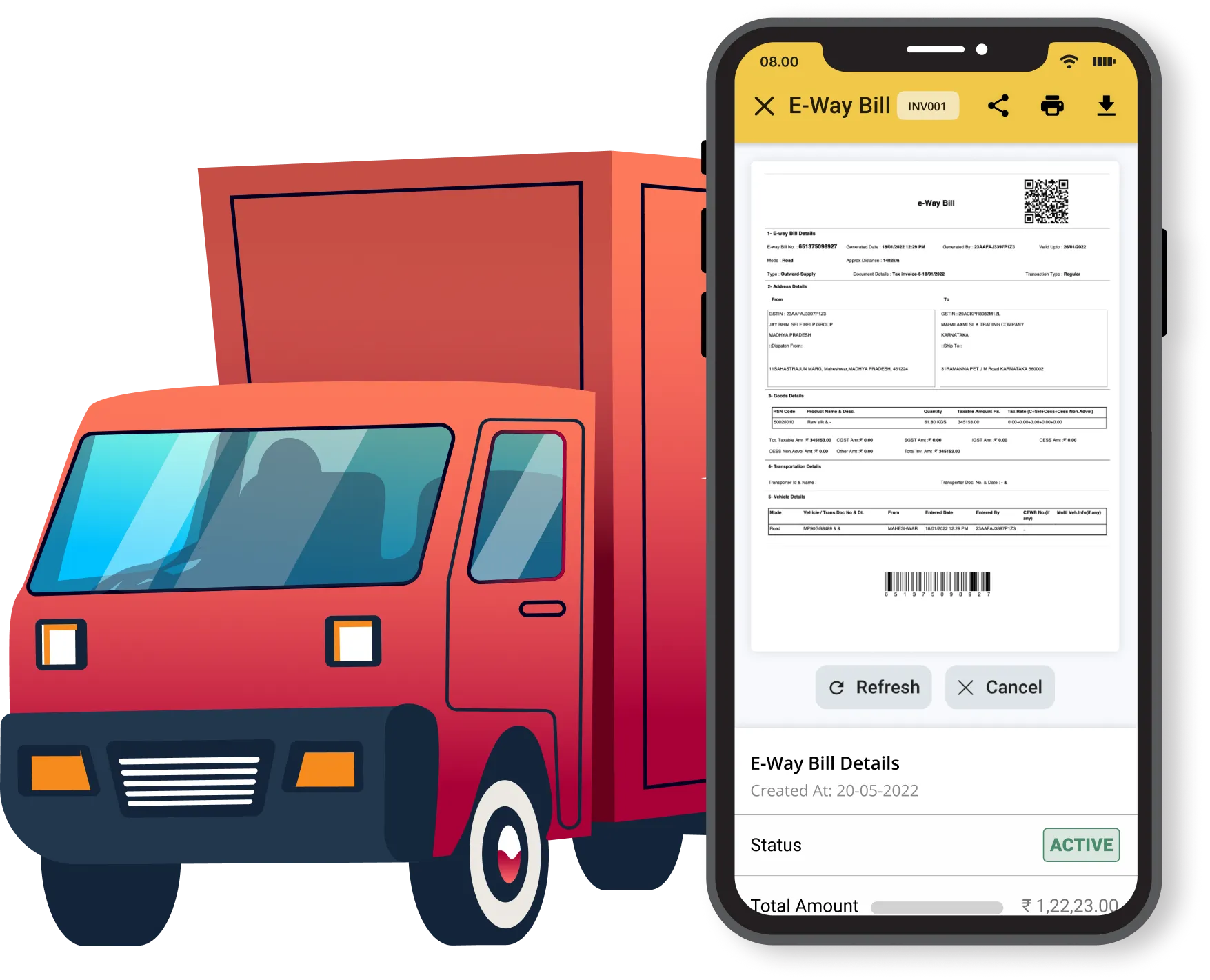
Create instant e-WayBill using GimBooks
GimBooks is a cloud-based accounting software that offers an e-way bill generation feature. The e-way bill feature in GimBooks allows users to generate e-way bills easily and quickly, thereby reducing the time and effort required for the process.
40k+
Total E-WayBill Created
1000+
Daily E-WayBills
26k+
Avg E-WayBill Monthly
GimBooks offers a range of benefits to help streamline your e-invoicing process, including Easily Create, Cancel, Print, Download, Customise Template, Smart Validation.
Create quick E-Invoice, download and share it with customer.
Your data is 100% Secure with us.
Easily Manage E-WayBill of other documents with Active, Cancelled, and Expired status.
This smart validation feature helps to reduce errors and ensure that E-Waybills are generated with accurate and complete information.
We offer multiple channels for quick and convenient support, including call, chat, and WhatsApp.
Your data is 100% Secure with us.
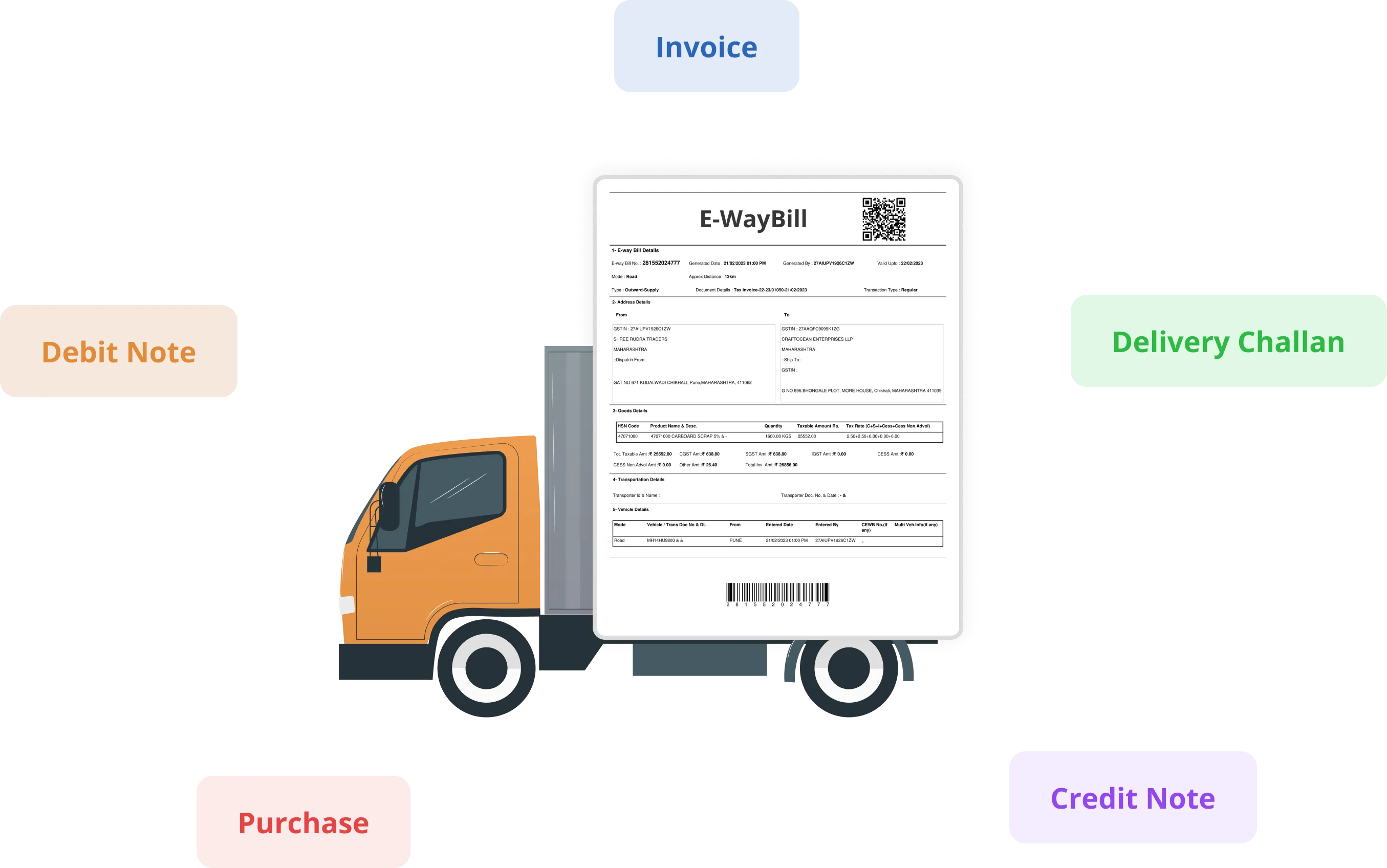
You can easily create E-WayBill from Invoices, Credit Note, Debit Note, Purchase and Delivery Challan
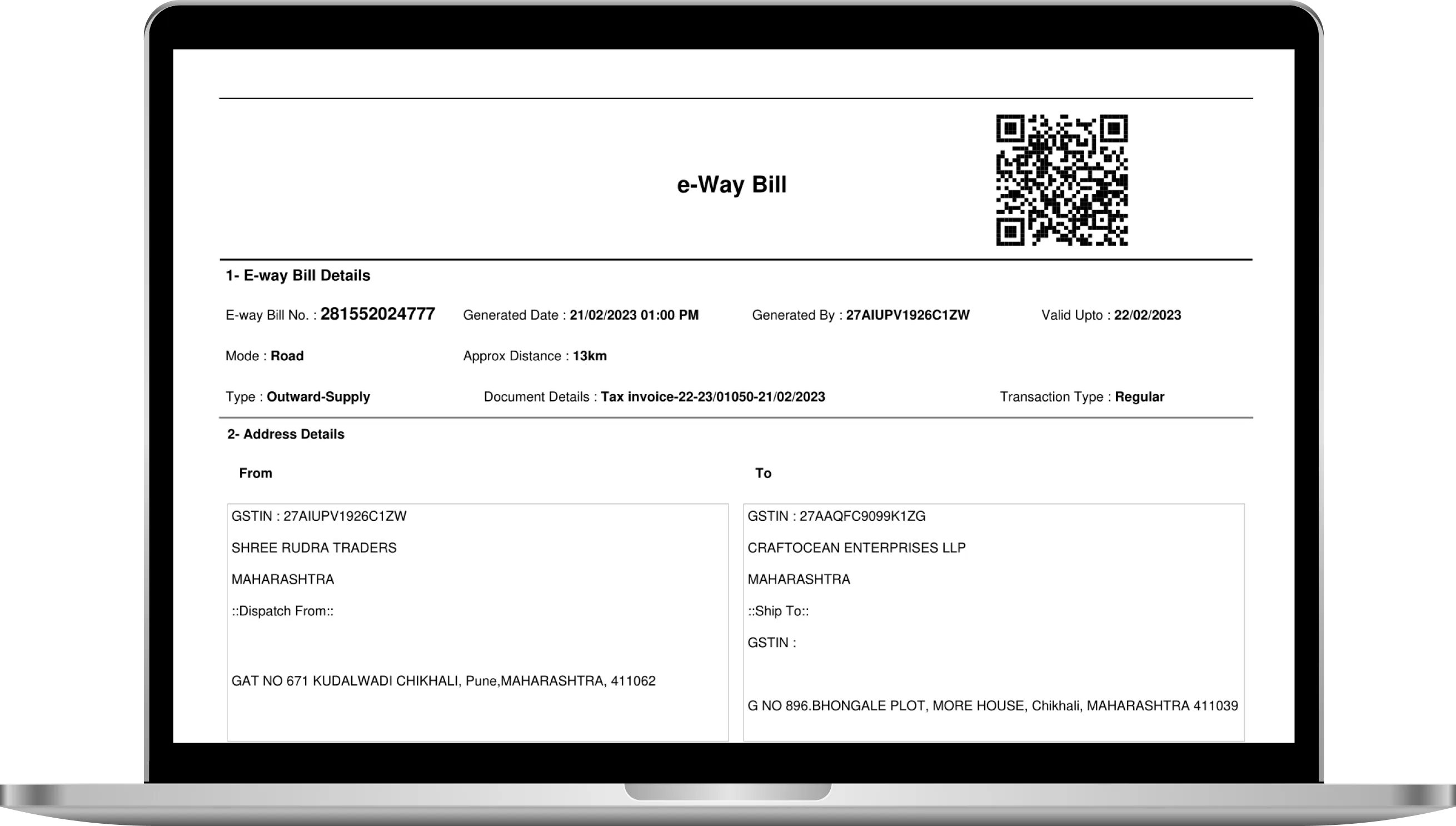
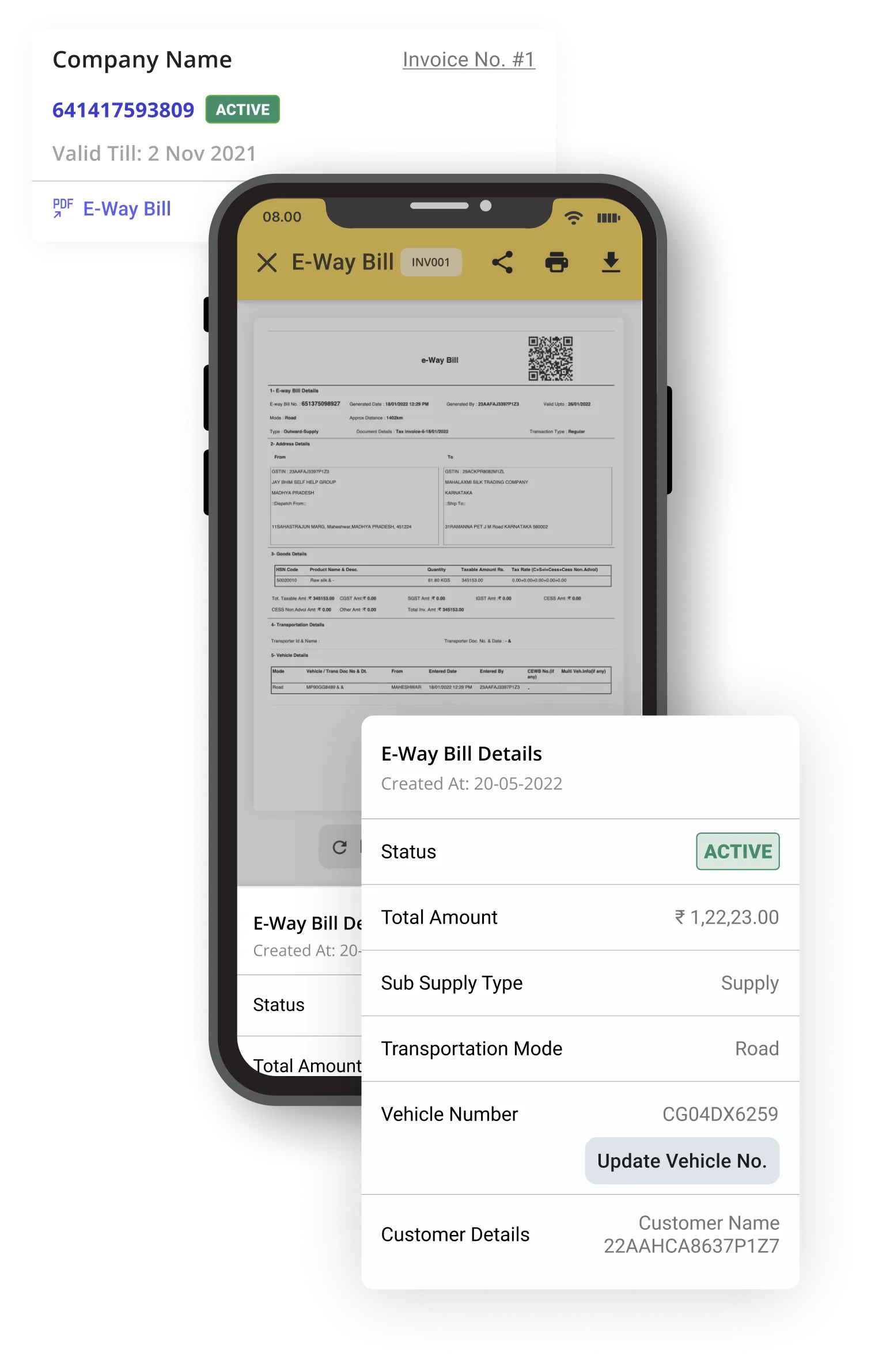
To get started with e-WayBill, you will need to implement an e-invoicing solution that can integrate using GimBooks. Once in place, you can start sending and receiving e-invoices with your customers and suppliers, which can help streamline your operations, improve accuracy, and reduce costs. So why wait? Start converting your invoices into e-invoices today and start reaping the benefits.
You can easily create E-WayBill from Invoices, Credit Note, Debit Note, Purchase and Delivery Challan.
Sign up and start creating E-Waybills, GST E-Invoicing and GST Filing using our GimBooks app and website.
E-Way bill system is for GST registered person / enrolled transporter for generating the way bill (a document to be carried by the person in charge of conveyance) electronically on commencement of movement of goods exceeding the value of Rs. 50,000 in relation to supply or for reasons other than supply or due to inward supply from an unregistered person.
An e-Way bill must be generated in various scenarios — when a registered buyer or seller moves goods, when a registered transporter receives goods without an e-Way bill, when an unregistered person moves goods on their own or with a transporter, and when an unregistered person supplies goods to a registered individual.
The mandatory information required to create an e-Way bill varies depending on the nature of the transaction, the type of goods, and the mode of transportation. Key details typically required: 1) GSTIN of the registered supplier and recipient; 2) Invoice or challan number and date; 3) HSN code of the goods; 4) Description of the goods; 5) Value of the goods; 6) Quantity of the goods; 7) Unit of measurement; 8) Transport document number; 9) Vehicle number or transport ID; 10) Transporter's ID or transporter document number. Some of this may not be mandatory in certain cases, so it's always best to check with the relevant authorities for your particular transaction.
1) Login to GimBooks Web or App. 2) Connect GimBooks with the GST Portal. 3) Open the document you want to convert (Invoice, Purchase, Delivery Challan, Debit or Credit Note). 4) Select and open it from the list. 5) For App — tap the "E-Way Bill" button at the bottom; for Web — click the "E-waybill" button on the right side of the Invoice Preview. 6) Check the details in the E-waybill Summary and click "Generate E-waybill". 7) Done — your e-Way Bill is created successfully!
The minimum distance required for creating an e-Waybill is 50 km. If the distance between the consignor's location and the transporter's location (or transporter and consignee) is less than 50 km, then the conveyance details need not be declared, and generation of an E-Way Bill is not mandatory.
An E-Way Bill is exempted in cases such as: 1) Transportation of goods by non-motorized conveyance (cycle, handcart, animal-driven cart); 2) Transportation of specified goods such as kerosene oil, postal baggage, and live animals; 3) Transportation from a customs port, airport, air cargo complex or land customs station to an inland container depot or container freight station for clearance by customs; 4) Movement of goods within a state, where some states exempt the requirement for a specified distance; 5) Goods sent by a registered person to a job worker under the cover of a delivery challan. Rules may vary by state or union territory — also check rule 138 (14) of CGST Rules.
As per rule 138 (14) of CGST Rules, no e-way bill is required in situations such as: transport of LPG for household supply, kerosene under PDS, postal baggage, precious/semi-precious stones, jewellery, currency, used personal/household effects, and coral; transport from a customs port/airport to an inland container depot for clearance by Customs; transport by non-motorised conveyance; transport of alcoholic liquor, petroleum crude, high-speed diesel, petrol, natural gas and aviation turbine fuel; goods transported under customs bond or supervision; transit cargo to/from Nepal or Bhutan; tax-exempt goods; transport by rail where the Central/State Government or local authority is the consignor; movement caused by defence formations; transport of empty cargo containers; and movement for weighment within 20 km accompanied by a delivery challan.
1) Open the GimBooks App or Web. 2) Open the E-Way Bill section and select the E-Way Bill you want to cancel. 3) Click the "Cancel" button.
The following entities can accept or reject the E-Way Bill: 1) Supplier/Consignor, who generates it and shares it with the transporter; 2) Transporter, who carries it during transportation; 3) Recipient/Consignee, who receives the goods and verifies the details. The E-Way Bill can be accepted or rejected within its validity period (which varies by distance); if not, it is deemed accepted. A transporter may reject it due to a discrepancy in the goods, vehicle details, or route.
The validity varies by distance to be covered: up to 100 km — 1 day; 100–300 km — 3 days; 300–500 km — 5 days; 500–1000 km — 10 days; 1000–2000 km — 15 days; above 2000 km — 20 days. Validity is calculated from the date and time of generation. If goods are in transit and the validity expires, the transporter can update the details and extend the validity period.
You can easily extend the validity of an e-way bill using the GimBooks App and Web. You can extend it up to 8 hours before the expiry of the e-way bill.