Purchases
Find every purchase bill right at your fingertips
In business, every rupee matters. GimBooks keeps your purchase bills, purchase orders and vendors in one place, next to your inventory, and turns a purchase bill into an e-way bill in a tap, so you are always ready for tax compliance.


- E-way bill from a purchase bill
- Vendor history in one place
- Same bills on app and web
E-way bills
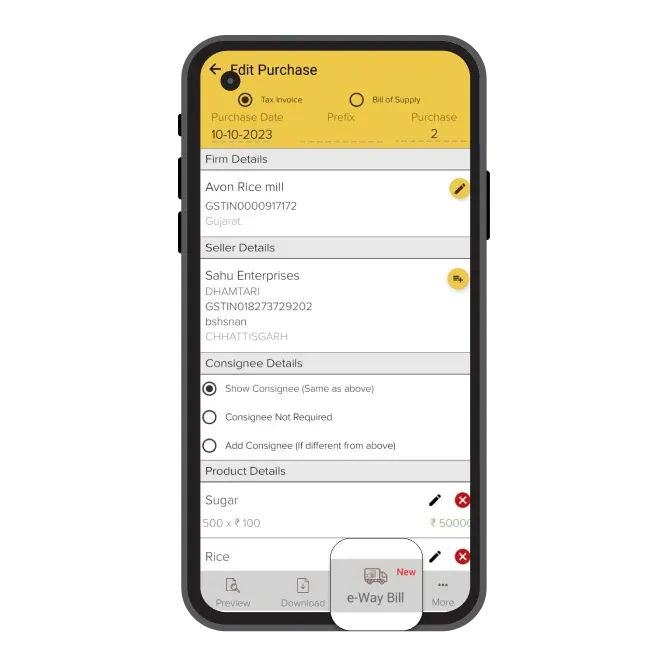
Convert a purchase bill into an e-way bill with a tap
Set up the e-way bill straight from the purchase bill. The purchase, inventory and supplier details are already there, so you do not enter them again.
Vendor management
Work closely with your vendors
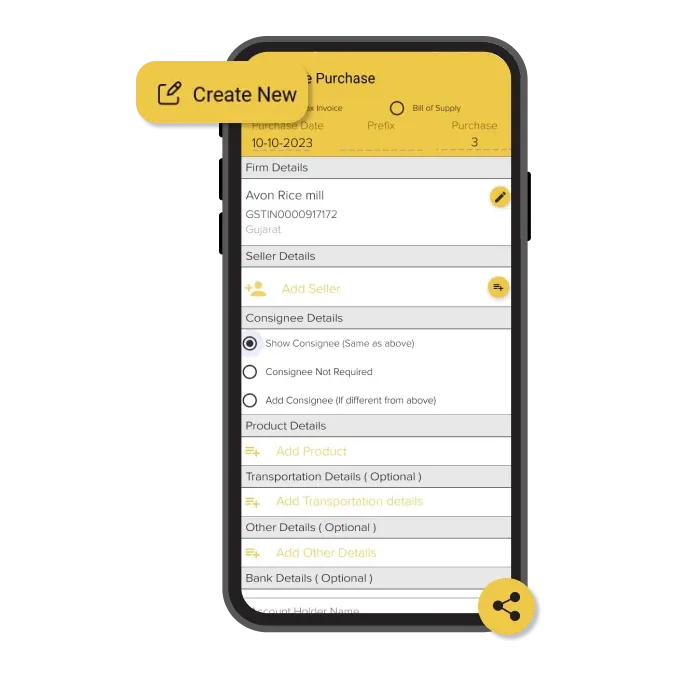
View order histories, check order statuses and keep strong relationships with your trusted suppliers. A smoother buying process means fewer errors and faster deliveries.
Inventory and spending
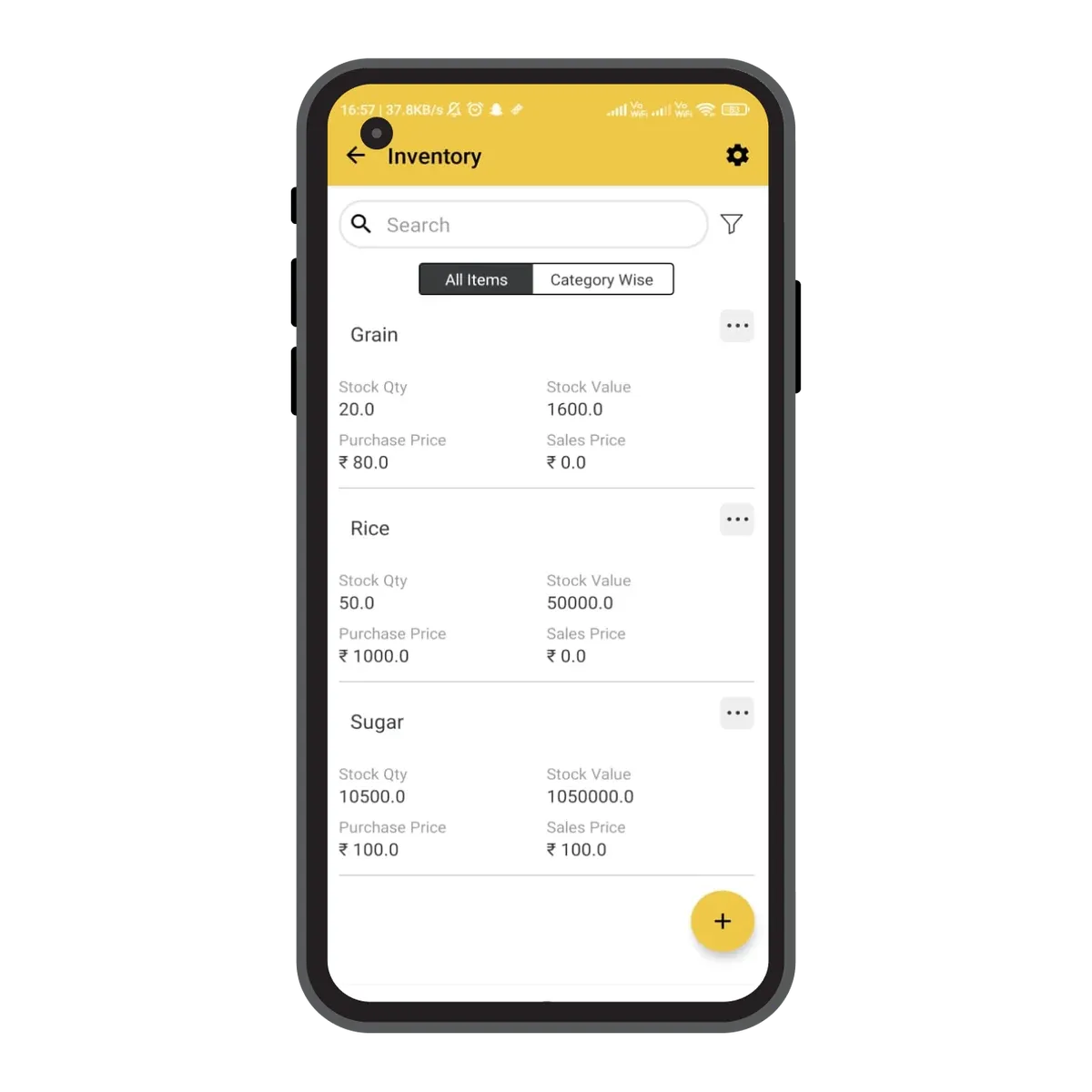
All your purchase records in one place
No more scattered purchase records or manual entry. GimBooks keeps every purchase organised and tracks your spending as it happens, so you have a clear, current view of your expenses before you buy again.
Access anywhere
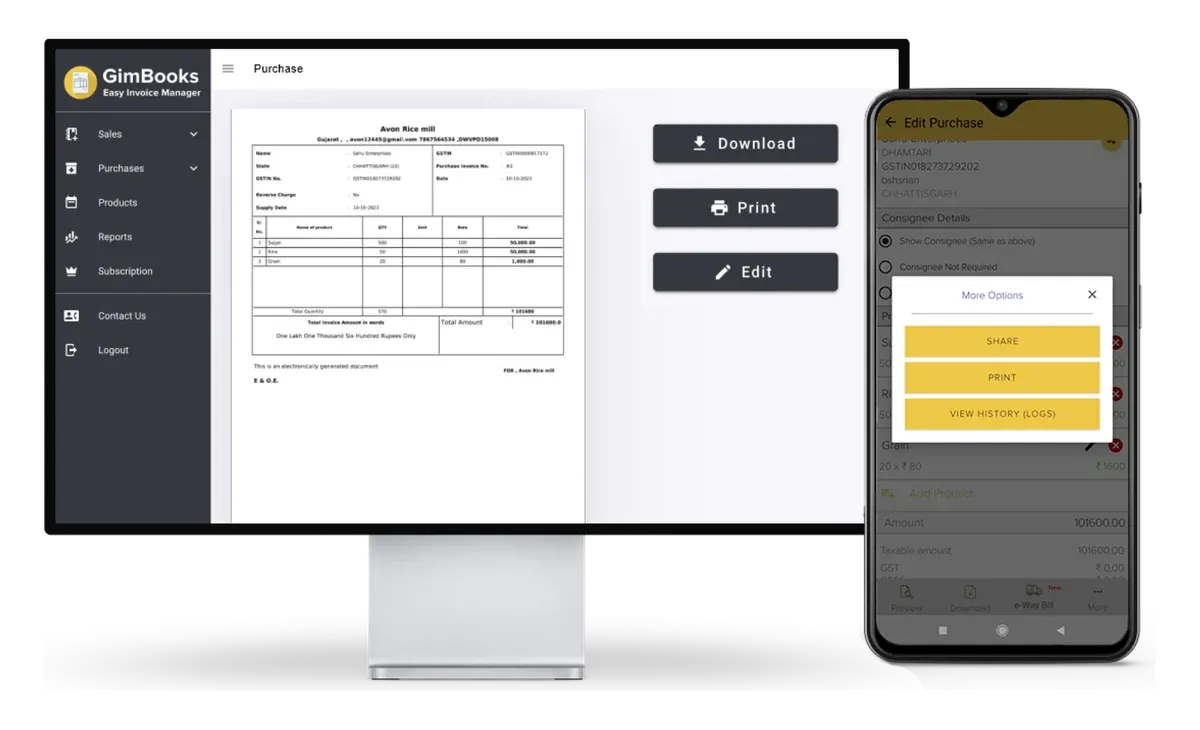
The same bill on your phone and your computer
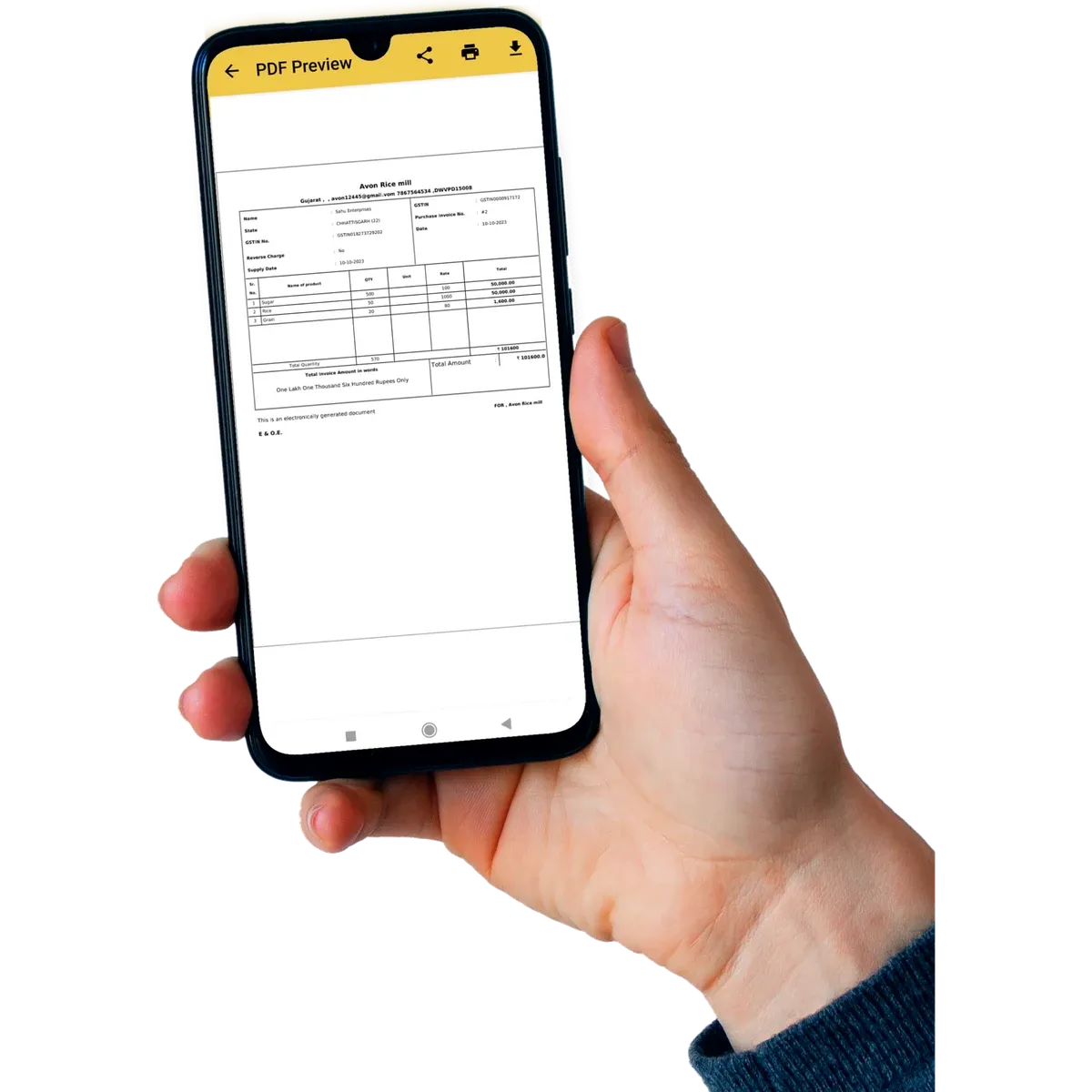
Your purchase bills are stored safely and open on the GimBooks mobile app and the web app alike, whether you are at the office, at home or travelling.
Why GimBooks for purchases
Purchase bills that keep up with you
-
Professional templates
Choose from a list of professional purchase bill templates that make a good impression on every customer.
-
Every detail on record
Keep the purchase order, e-way bill number, challan number, due date, charges, GSTIN and more on each bill.
-
Logs of past orders
Open the logs of previous orders and find any bill in seconds by the number at its top right.
-
Record payments, duplicate bills
Record payments against a purchase bill and duplicate a bill in a second.
-
Preview, download, share
Preview the bill, download it as a PDF and share it on email, WhatsApp or any platform.
-
Secure by default
GimBooks is protected with SSL encryption, so the business details you enter stay between you and us.
How it works
How to record a purchase in GimBooks
- 01
Number it
Enter the date, a prefix and a number for your purchase bill or purchase order.
- 02
Pick the seller and items
Choose the seller from your seller list and the items from your product list, then add bank details and charges.
- 03
E-way bill and payment
Convert the purchase bill into an e-way bill with a click, record the payment and share the document however you like.
Purchase order format and tutorials
- Free format
Purchase order format
Download a free, ready-to-fill purchase order format.
Get the format - Video tutorial
Video: create a purchase order or bill
Make a purchase order, convert it to an e-way bill and record the payment.
Watch the video - Video tutorial
Video: record purchase entries
Pick the seller and products and save your purchase bill.
Watch the video
FAQ
Purchase bill questions, answered
Can't find what you need? Call us or write to our support team.
What is a purchase bill?
A purchase bill, or bill of purchase, is the buyer's proof of a purchase. It shows the amount owed for an order, including taxes and the agreed total. The vendor calls the same document a sales bill; the buyer records it as a purchase bill.
What should a purchase bill include?
A unique reference number, the invoice date, product details, the contact details of both parties, applicable taxes, payment terms and status, terms and conditions, the agreed total and an authorised signature.
How is a purchase bill different from an invoice?
It is the same transaction seen from the other side. The seller issues a sales invoice; you, the buyer, record it as a purchase bill to keep track of what you bought, what you owe, the taxes and the payment terms.
Can I create an e-way bill from a purchase bill?
Yes. Open the purchase bill and convert it into an e-way bill with a click. The purchase and supplier details carry over, so you do not type them again.
Is the GimBooks purchases feature easy to use?
Yes. It is a quick way to create, edit, find, download and share purchase bills and purchase orders, on your phone or computer.
In which format can I download a purchase bill?
As a PDF, which you can share on WhatsApp, email or any other platform.
How do I get started with purchases in GimBooks?
Sign up on the GimBooks web dashboard or download the app from Google Play or the App Store. Every GimBooks Premium plan starts with a 7-day free trial.
Explore more GimBooks features
Every document is GST-ready and linked to the next, so nothing is typed twice.
- Invoicing GST and non-GST invoices with your logo, made in seconds and shared in a tap.
- E-invoicing Get the IRN and signed QR code for any invoice in one click.
- E-way bills Turn an invoice or challan into an e-way bill in one click.
- Inventory Stock updates itself with every sale and purchase.
- Quotations Send quotes, convert to invoices
- Proforma invoices Turn into a tax invoice in a tap
- Delivery challans Original, duplicate and triplicate
- Credit notes Sales returns and corrections
- Debit notes Purchase returns and adjustments
- GSTR filing File GSTR-1 and 3B from the app
- Expenses Track spend by category
Keep every purchase in order with GimBooks
Purchase bills, vendors and e-way bills in one app. Every plan starts with a 7-day free trial.