Ledgers
Organise your ledgers easily
GimBooks ledgers keep track of every rupee coming into and going out of your business. See what each customer owes you, what you owe each supplier and where your cash and bank balances stand, on your phone or computer.


- Debtors, creditors, cash and bank
- Filter by date
- Download as PDF or Excel
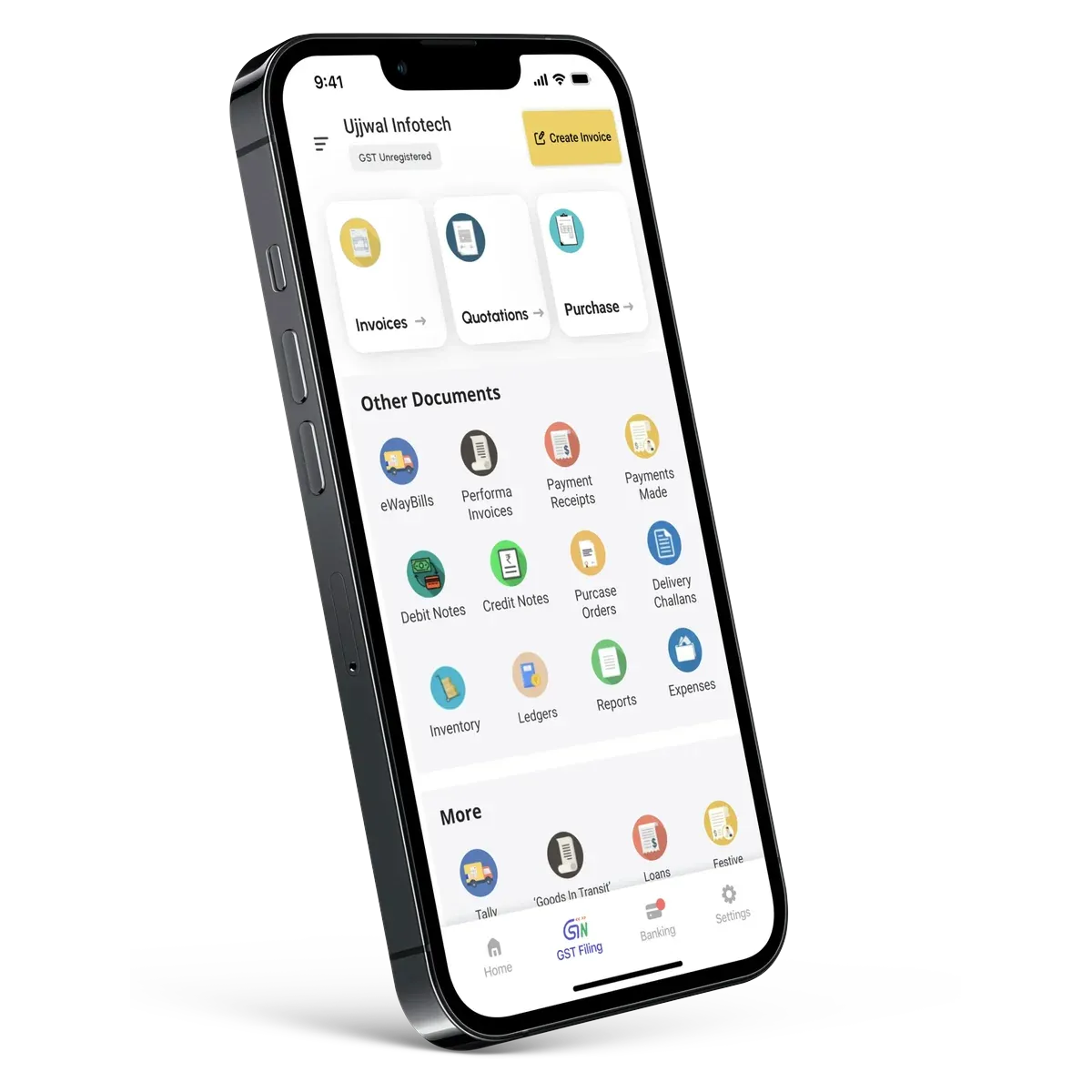
No more paperwork
All your accounts, neatly organised in one place
No more paper ledger books or messy spreadsheets. The invoices, purchases, payments and expenses you record in GimBooks land in the right ledger, so your books stay up to date without copying anything by hand.
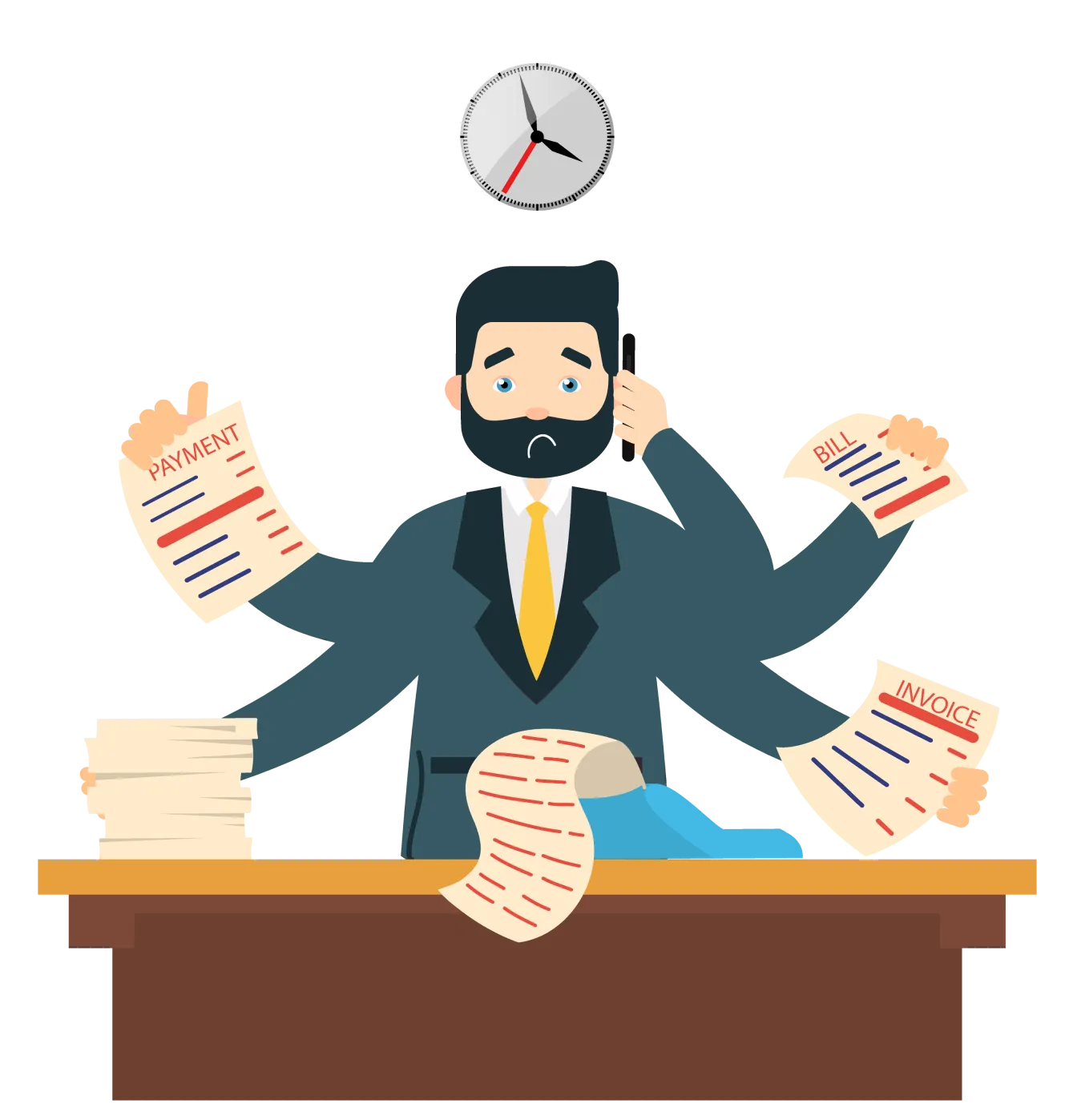
Debtors and creditors
Know who owes you, and whom you owe
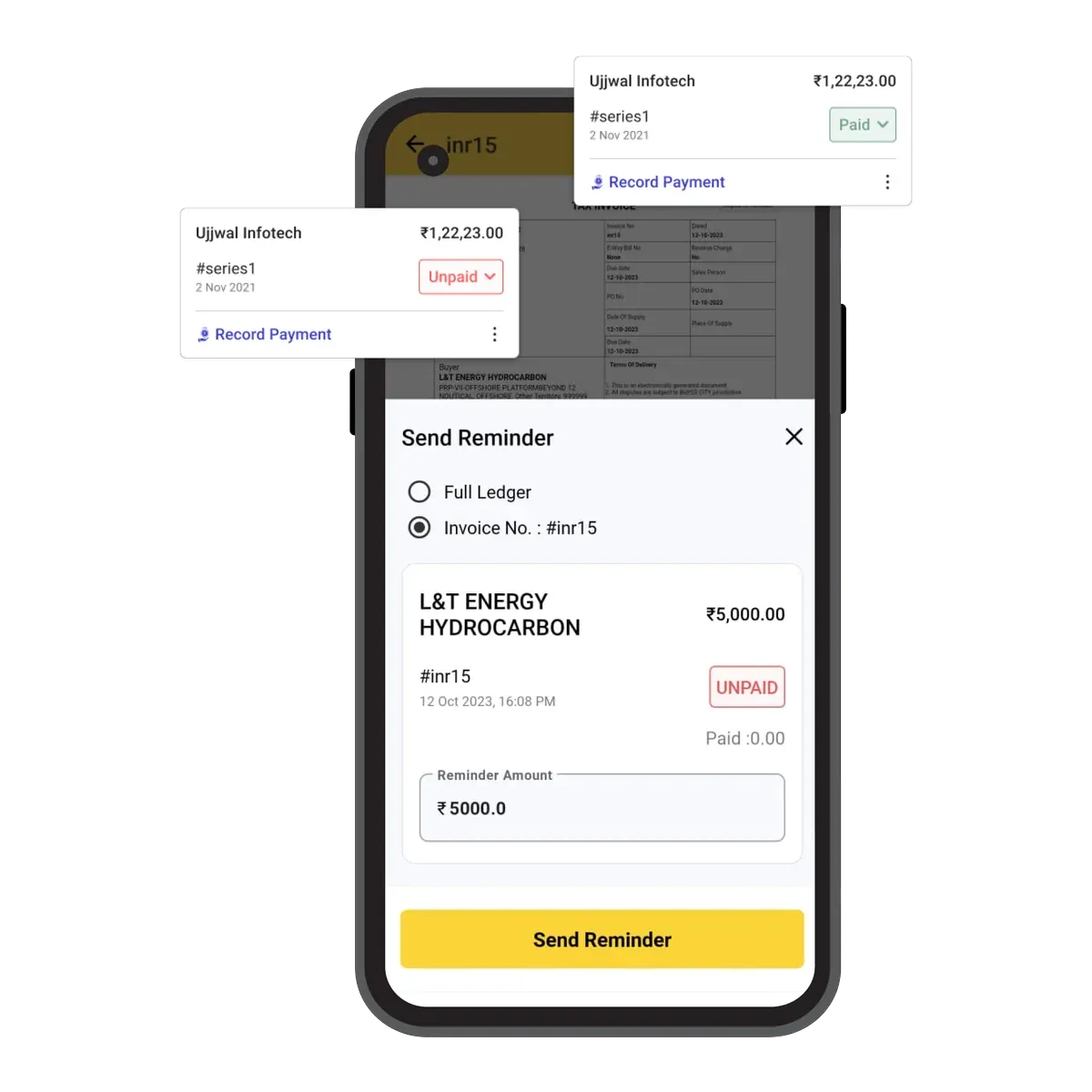
Open any customer or supplier to see every transaction with them for the dates you choose, with the opening and closing balance. Search for a customer by name, and send the full ledger as a payment reminder when a balance is overdue.
- Customer and supplier ledgers with a date range
- Opening balance for every party
- Send the full ledger as a reminder
Every account
Cash, bank, income and expense accounts too
Add a cash or bank account under cash and bank, or an income or expense account under other accounts, and edit the details whenever you need to. Seeing where money comes from and where it goes helps you decide where to spend and how to improve profit.
- Chart of accounts and manual journal entries
- Profit and loss, balance sheet and trial balance
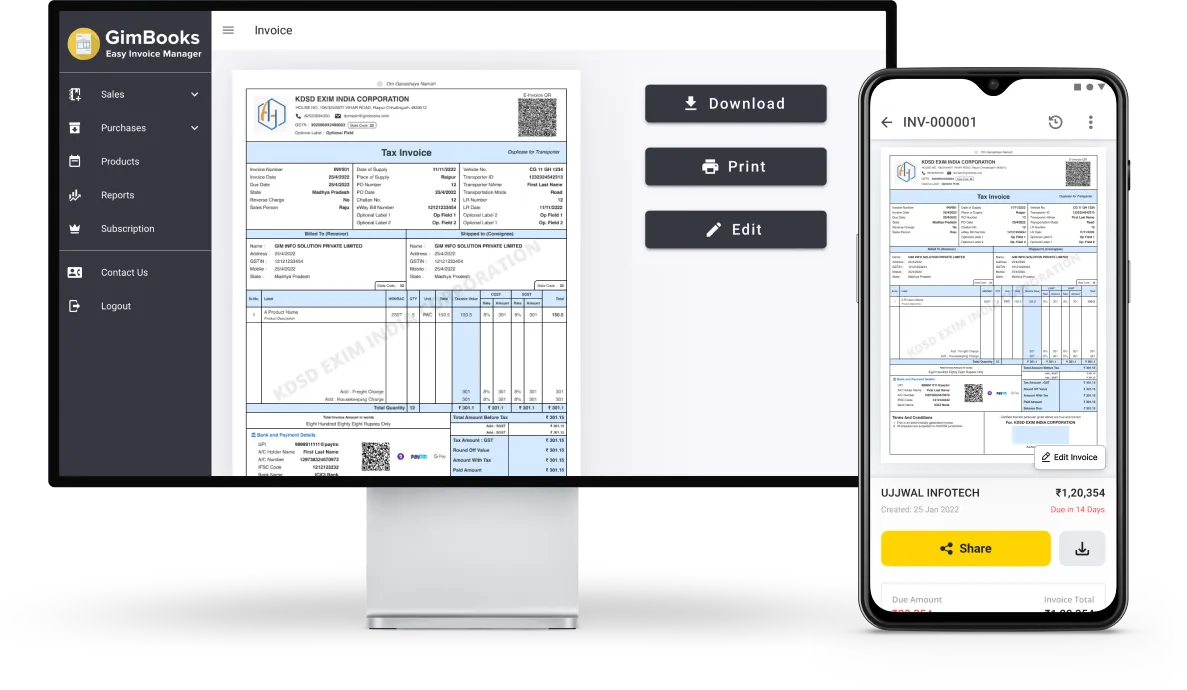
- The same ledgers on the app and the web dashboard
Why GimBooks ledgers
Ledgers that keep themselves
-
Every account in one place
Debtors, creditors, cash and bank, income and expense accounts, each a tap away.
-
Any date range
Pick the dates you need and see the transactions and balance for that period.
-
Download and share
Download any ledger as a PDF or an Excel sheet and share it with a customer or your accountant.
-
Phone and computer
A ledger made in the app is on the web dashboard too, so you can open and share it from anywhere.
-
Accounting reports
Profit and loss, balance sheet and trial balance come from the same books.
-
Secure by default
GimBooks is protected with SSL encryption, so the business details you enter stay between you and us.
How it works
How to view a ledger in GimBooks
- 01
Open Ledgers
Find Ledgers on the GimBooks app home screen or on the web dashboard.
- 02
Pick the account
Choose a customer under debtors, a supplier under creditors, or a cash, bank, income or expense account. Add a new one if it is not there yet.
- 03
Set the dates and share
Choose the period you need, check the balance, then download the ledger as a PDF or Excel sheet and share it.
What business owners say
-
“As a pharma company owner, managing bills and invoices for various medicines can be a real headache. But, GimBooks has been a game-changer for me! This user-friendly app lets me create bills quickly and keeps track of all my sales data. It even helps me maintain separate accounts for the different pharmacies I supply to. What's more, I can access GimBooks from my phone anywhere, anytime. It's a fantastic billing and invoicing software that has made my life much easier.”
VS Vikram Singh Pharma Manufacturer -
“I love that GimBooks has party-wise reports, sales-wise reports, stock-wise reports, and more. It helps me to manage my cloth bundle easily with the supplier. This billing and invoicing software lets me create custom invoices for different types of fabrics and keeps track of my production and sales data. It's also easy to manage accounts for different retailers I supply to. The app is a great all-in-one solution for small businesses like mine.”
PM Pradeep Malhotra Textile Manufacturer
Ledger tutorial and more
- Video tutorial
Video: create a ledger
Set up debtors, creditors, cash and bank, and look up any customer.
Watch the video - Guide
Payment receipts
Record the payments that settle each customer’s balance.
Read more - Plans
Plans and pricing
Ledgers, accounting and reports come with every plan.
See pricing
FAQ
Ledger questions, answered
Can't find what you need? Call us or write to our support team.
What is a ledger?
A ledger is the record of every transaction with one party, or in one account, with the debits, the credits and the balance. A customer’s ledger shows what they bought, what they paid and what they still owe.
How does the GimBooks ledger help?
You do not have to keep a separate ledger book. The invoices, purchases, payments and expenses you record in GimBooks feed your ledgers, so you can see any party’s or account’s balance for any period in seconds.
How is a ledger different from accounting software?
A ledger is one part of your books. Accounting software such as GimBooks keeps the ledgers and also creates the invoices, purchases and payments behind them, along with reports such as profit and loss, balance sheet and trial balance.
What is the difference between a general ledger and a subsidiary ledger?
A general ledger holds every account of the business. A subsidiary ledger holds the detail for one group, such as each customer (debtors) or each supplier (creditors), and its total ties back to the matching account in the general ledger.
What information does a ledger include?
The date, particulars, voucher or document number, debit, credit and the balance, starting from the opening balance. GimBooks fills these in from the documents you create.
How often should I update my ledger?
Every time money moves. In GimBooks that happens as you record invoices, purchases, payments and expenses, so the ledger is always current.
Do I need an accountant if I use a ledger?
Many small businesses keep their own books in GimBooks. If you work with an accountant, download ledgers and reports as PDF or Excel and share them in a tap.
Is my ledger data secure?
GimBooks is protected with SSL encryption, and your books are kept in the cloud with instant backup, so a lost phone does not mean lost data.
Are ledgers included in GimBooks plans?
Yes. Ledgers are part of GimBooks Premium, and every Premium plan starts with a 7-day free trial.
How do I get started with ledgers in GimBooks?
Sign up on the GimBooks web dashboard or download the app from Google Play or the App Store. Every GimBooks Premium plan starts with a 7-day free trial.
Explore more GimBooks features
Every document is GST-ready and linked to the next, so nothing is typed twice.
- Invoicing GST and non-GST invoices with your logo, made in seconds and shared in a tap.
- E-invoicing Get the IRN and signed QR code for any invoice in one click.
- E-way bills Turn an invoice or challan into an e-way bill in one click.
- Inventory Stock updates itself with every sale and purchase.
- Quotations Send quotes, convert to invoices
- Proforma invoices Turn into a tax invoice in a tap
- Purchases Purchase bills, POs and vendors
- Delivery challans Original, duplicate and triplicate
- Credit notes Sales returns and corrections
- Debit notes Purchase returns and adjustments
- GSTR filing File GSTR-1 and 3B from the app
- Expenses Track spend by category
Keep your books in order with GimBooks
Ledgers, payments and reports in one app. Every plan starts with a 7-day free trial.